AI post generator
Posts that look designed for your brand, made with AI
Give LookMyBio an idea or a link. It writes the words and designs the post in your brand's look, with your fonts, colours and photo style, then hands you options to pick from.
Each picture is paid in credits, shown before you draw. New accounts get a 7-day trial on the first plan, 400 credits included.
The AI posts page in the app: a YouTube link pasted as the source, the video's card, Carousel suggested as the format and what reading it costs. Then the same post finished: every step done and the carousel's slides in Marina Vale's brand, with its caption, ready to publish.
Finished posts, by niche
Made with our AI for sample brands, not real customers. Open the feed posts, stories, Reel covers, carousels and full 9-post grids for each business.


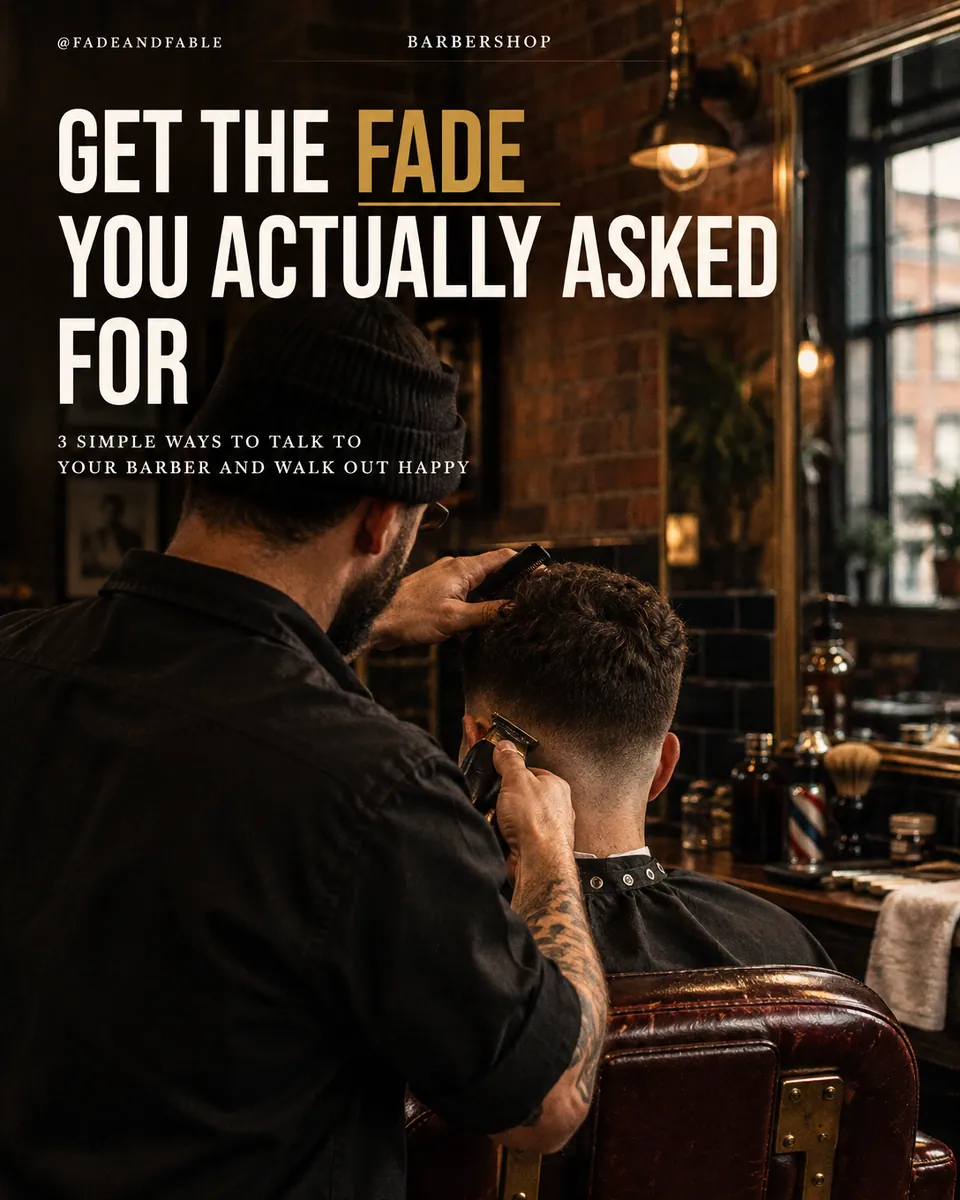
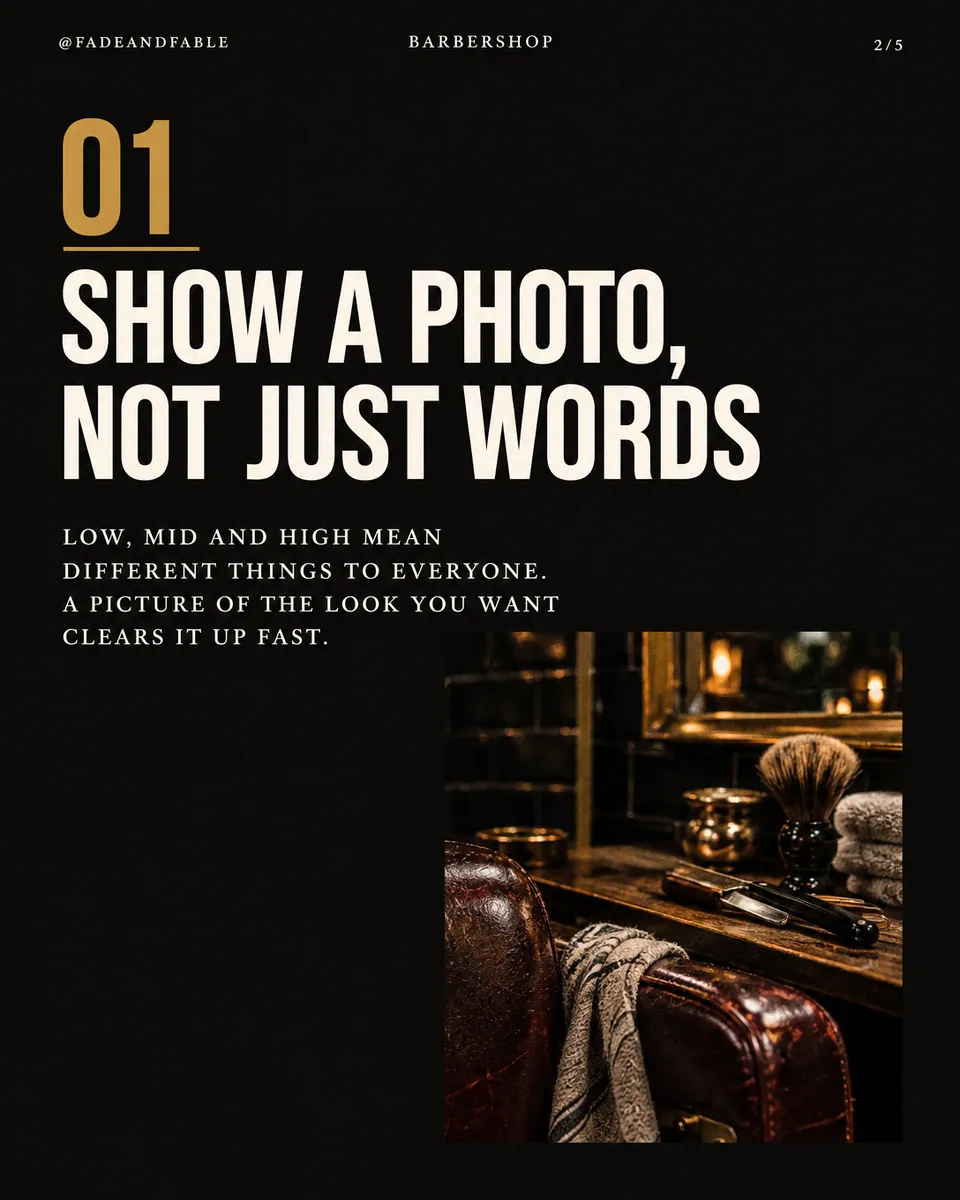
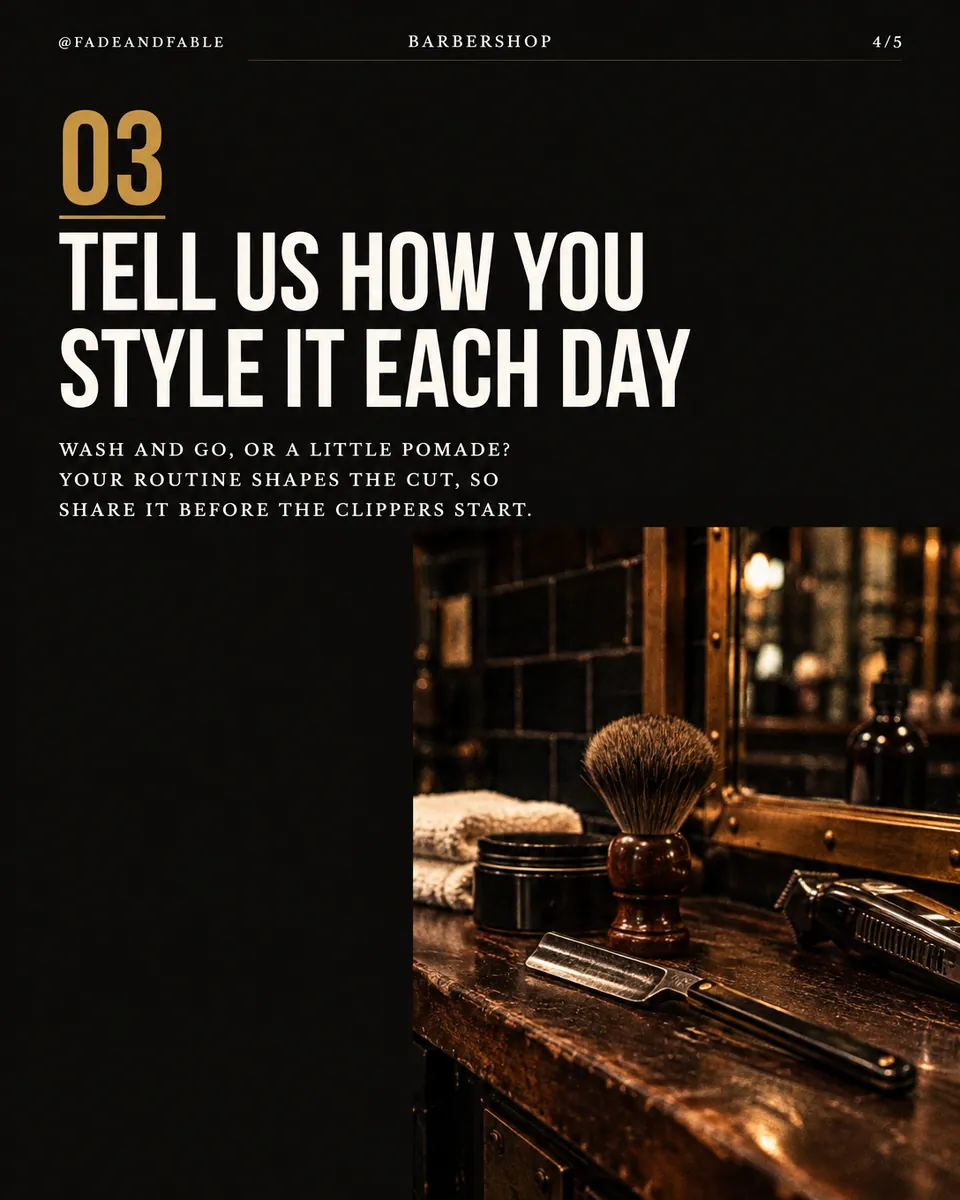
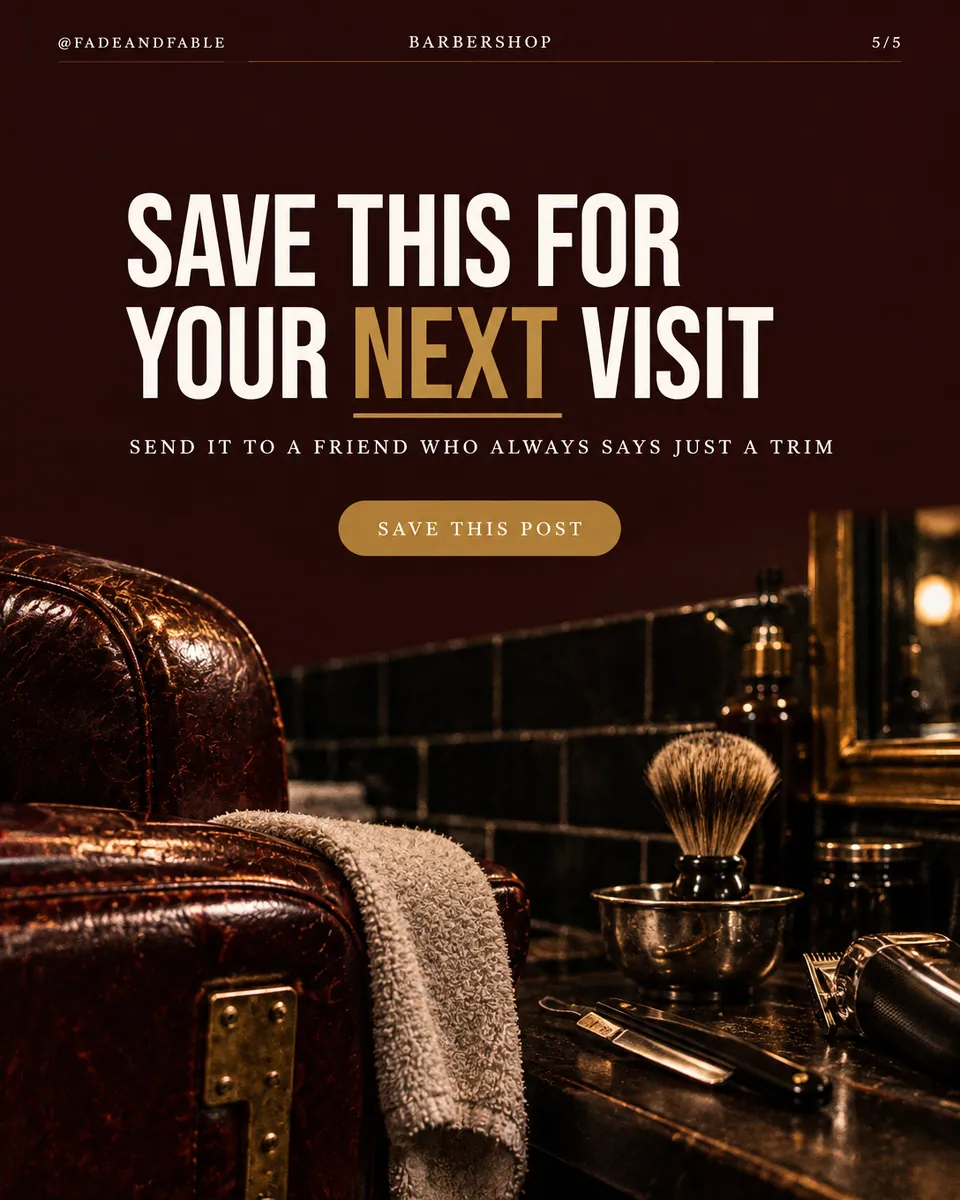
Salons and barbershops@fadeandfable


Gyms and studios@ironline.studio


Dentists@brightsidedental


Real estate agents@harborpinerealty


Coaches and consultants@clearpath.coach


Fashion boutiques@juniperrow

Salons and barbershops@fadeandfable

Gyms and studios@ironline.studio

Dentists@brightsidedental

Real estate agents@harborpinerealty

Coaches and consultants@clearpath.coach

Fashion boutiques@juniperrow

Salons and barbershops@fadeandfable

Gyms and studios@ironline.studio

Dentists@brightsidedental

Real estate agents@harborpinerealty

Coaches and consultants@clearpath.coach

Fashion boutiques@juniperrow

Salons and barbershops@fadeandfable

Gyms and studios@ironline.studio

Dentists@brightsidedental

Real estate agents@harborpinerealty

Coaches and consultants@clearpath.coach

Fashion boutiques@juniperrow


Your feed looks like nine different businesses
One post from an app, one from a layout website, one typed over a photo on your phone. Each looked fine on its own day. Together, the grid says nothing about who you are.
Your digital presence doesn't have to be this fragmented
LookMyBio brings the whole flow into one platform, so you produce in a more organized way and stay in control of what gets published.
How it works
Your look is set once
From your Brand Kit, the fonts, colours and photo style become your Post Look. Change anything in it before the first post.
Ask for a post, a story or a feed
Type the idea or paste a link. You get 4 designed options for each picture, all in the same look.
Fix a word, then post it
Correct any text in place, ask for a change, or swap in your own photo. Then schedule it or add it to your bio page.
Built to be saved, not just seen
A post that only looks nice gets a glance. One that gets kept follows the same four steps.
 01
A hook you can’t scroll past
Carousels open on the strongest of 10 scored hooks; single posts lead with one big line.
 02
Slides that earn the next swipe
Each slide adds one thing, so stopping halfway feels like missing out.
 03
A payoff worth keeping
The checklist, the numbers or the steps arrive where people reach for the save button.
 04
A question that starts the comments
The close asks one simple thing, and the caption repeats it.
A random feed, then your look
The same nine posts twice: first as they come out of different apps, then in one brand’s Post Look. Drag the handle to see the difference.


Feed posts, stories and short carousels
Tips, lists, numbers, quotes over a photo, announcements: each kind has its own layout, sized for the feed or for stories. Short carousels come out of the same look.
- Square-ish feed posts and full-height stories
- 4 options per picture, so you pick instead of settling
- Long carousels with scored hooks come from AI posts
9 posts planned as one grid
Ask for your next 9 and they arrive planned together: different kinds of post, spread so the grid reads well from your profile, all in one look.
- A mix of tips, lists, photos and numbers
- Planned for how the grid looks on your profile
- Each post still editable on its own
Fonts that are yours, not the default
Brand fonts matter more than most people think. The look always aims for your real typeface, and when a font is hard to match, it picks the closest one with the same feel.
- Your colours assigned to background, accent and text
- A photo style that fits your business
- Type sized for the feed or for stories
The Brand Kit page in the app, filled in for Casa Linho, a linen clothing shop: identity, colours, fonts, voice, audience and quick wins. Then the bio page editor, with the page drawn in the colours the kit found.

Your own photo, designed around
Use a photo of your shop, your work or yourself, and the design is built around it. Or let the AI draw a picture in your photo style, or skip the photo for a type-only post.
- Your photo, an AI picture or none
- Text placed where the photo has room
- Words checked after drawing, and fixed when wrong

Ready for the calendar and the bio page
An approved post goes to the composer for any account you connect, or onto your bio page as a block. The caption comes written.
- Schedule it or post it now
- Add it to your bio page
- Download the picture if you prefer
The Socials page in the app for Atelier Rosa, a hair salon: its connected accounts, this week's posts and the Create button. Then the New post composer with a reel for Instagram, Facebook, TikTok and YouTube, its caption, and Instagram's "Made with AI" label switched on.
AI posts and stories at a glance
| Formats | Feed posts, stories and short carousels |
|---|---|
| Look | Your Post Look: fonts, colours and photo style from your Brand Kit |
| Options | 4 designs for each picture |
| Feed | 9 posts planned as one grid |
| Photos | Yours, drawn by AI in your style, or none |
| Price | Credits per picture, shown before you draw |
| Long carousels | With AI posts, on Creator and Teams |
See your own brand before you pay
7 days to try it
Your first plan opens with a 7-day trial. Cancel inside it and you are not charged.
400 credits included
Enough to design real posts in your look during the trial.
Nothing charged for failures
A picture that fails to draw costs nothing; its credits are released.
Questions about AI posts
What people ask before letting AI design their posts.
Give your feed one face
Set your look once and ask for your next 9 posts, with 7 trial days and 400 credits to spend.