TikTok
Make TikTok videos with AI and schedule them
Generate a vertical clip, write the caption, set the audience and the hour. LookMyBio posts it to your TikTok, with the "AI-generated content" disclosure already switched on.
Need more than TikTok? The composer also posts to Instagram, Facebook, X, LinkedIn and YouTube.
- Videos of 3 s to 10 min
- Captions up to 2,200
- 4 audience options

The app's New post composer, set to Ama Duarte's TikTok account only: the account, the formats TikTok takes, its caption limit, its preview and the network's own options.
TikTok wants a new video most days, and filming takes time
A short clip still means an idea, footage, a caption and the right moment to post. When you are also the one running the business, the camera stays in the drawer and the account goes quiet.
Your digital presence doesn't have to be this fragmented
LookMyBio brings the whole flow into one platform, so you produce in a more organized way and stay in control of what gets published.
How it works
Link TikTok
Sign in with your TikTok account and approve access. It takes one of the account slots on your plan.
Make the video
Tell AI Studio the scene you picture and get a clip shot upright, or use footage of your own.
Pick the time
Write the caption, choose the audience and set the hour. The video goes live while you get on with your day.
Vertical videos, checked before they are queued
TikTok takes one video per post from LookMyBio, played full screen when it is vertical. The composer checks the length against your account's limit and the caption before it is queued, so the post doesn't bounce back at publish time.
- Clips from 3 seconds up to 10 minutes, as your account allows
- Captions up to 2,200 characters
- Starter schedules 30 posts a month, one per account; Creator has no monthly cap
AI video that looks like your brand
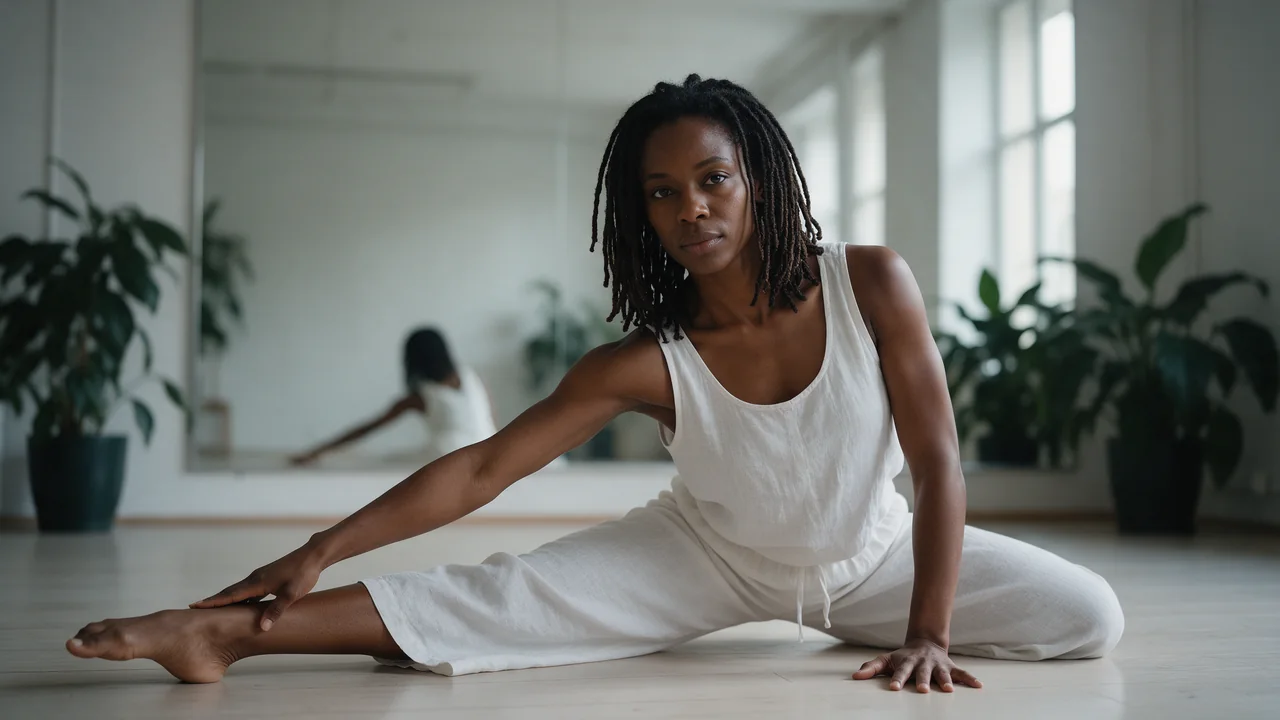
Type a prompt in AI Studio and choose the vertical shape for a clip built for the For You feed. Turn on Brand style, or let Enhance with brand rewrite the prompt with your colours and tone.
- Clips from a written idea or a still photo, charged in credits
- Rework a finished clip with another prompt, or sharpen it with the upscaler
- Talking avatar videos for tips and announcements
The AI Studio page in the app: the prompt bar moving through image, video and 3D with each model and its credit quote, above the gallery of recent media, an image for each business on this page, a video and a 3D model.
TikTok's own post settings, inside the composer
Choose who sees the video (Everyone, Friends, Followers or Only me, as your account permits). Switch comments, Duet and Stitch on per post, and disclose promotion of your brand or a paid partnership.
- Post directly, or send it to your TikTok drafts to add a sound in the app
- Settings your TikTok account locks stay locked here too
The AI disclosure TikTok asks for, on by default
When the video came from our AI tools, the "AI-generated content" switch starts on, so the post carries TikTok's AI label. You can still change it before you schedule.
Send viewers from your profile to one page
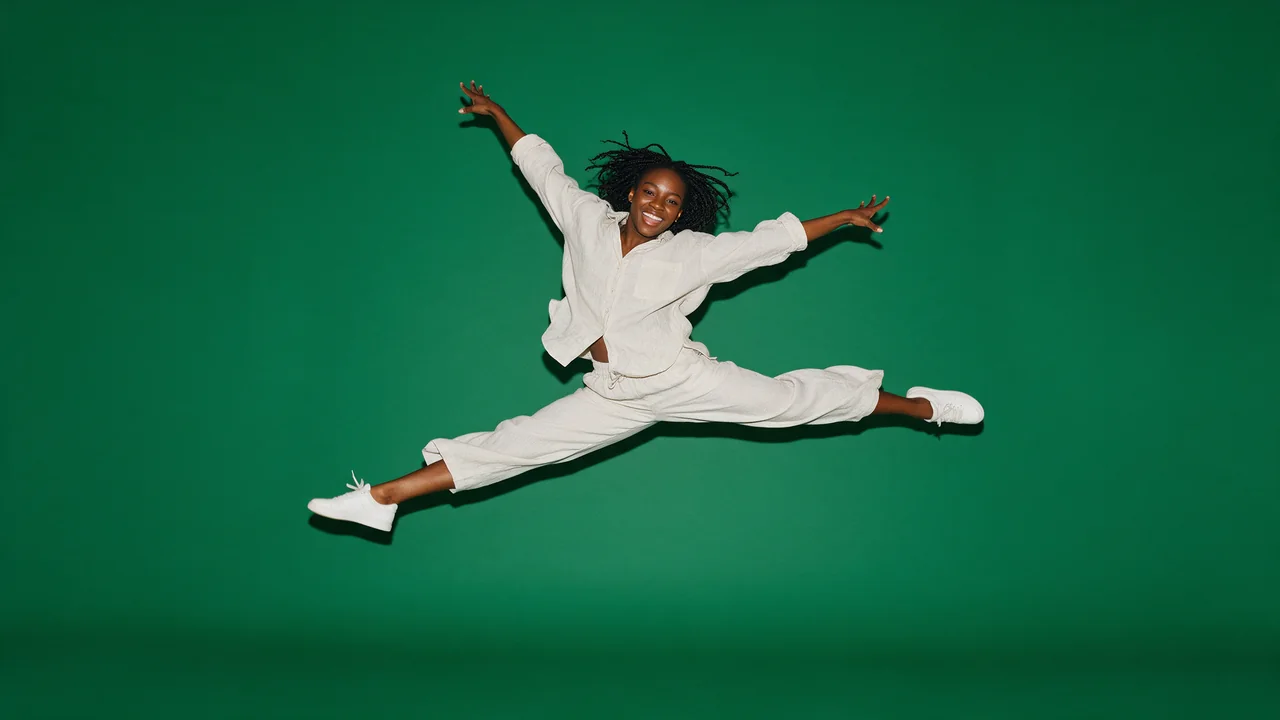
Put your bio page in the website field of your TikTok profile and keep the shop, the playlist and your contact in one place. From Starter you can add as many links as the page needs.
Example bio page for Ama Duarte: Contemporary dance in São Paulo. Buttons: Book a class and Spring workshop: 3 spots left. Below them, the profile's latest posts and the latest blog post, “Five stretches before every class”.


Fill your classes
TikTok at a glance
| Connect with | Sign in with TikTok (Login Kit) |
|---|---|
| Formats | Videos only |
| Video length | 3 seconds to 10 minutes, within your account's own limit |
| Caption | Up to 2,200 characters |
| Audience | Everyone, Friends, Followers or Only me |
| Interactions | Comments, Duet and Stitch, set per post |
| Content disclosure | Your brand, branded content, or both |
| AI label | "AI-generated content", on by default for our AI media |
| Post mode | Direct post or TikTok drafts |
| Plan | Starter or above, at $27 monthly |
TikTok questions
Answers for creators about to link their TikTok.
Fill your TikTok queue this week
Generate the clips, set the audience once per post and let them go out while you work.