AI 3D model generator
Turn a description or a photo into a 3D model
Switch AI Studio to 3D, say what the object is or attach a picture of it, and get a model you can spin around and save as a GLB file.
Paid in credits; the Studio shows the price before anything runs.

The AI Studio page in the app: the prompt bar moving through image, video and 3D with each model and its credit quote, above the gallery of recent media, an image for each business on this page, a video and a 3D model.
A product preview should not wait on a modeling job
You want a version of the bottle you can turn around for a pitch, a mockup or a quick prototype. Hiring a 3D artist or learning modeling software takes weeks, for an object you only want to try out.
Your digital presence doesn't have to be this fragmented
LookMyBio brings the whole flow into one platform, so you produce in a more organized way and stay in control of what gets published.
How it works
Pick 3D in AI Studio
Switch the prompt bar to the 3D mode. Finished models land in the same gallery as your AI images and videos.
Describe it or attach a photo
Write what the object is, its shape and material, or upload a clear photo of the real thing. The credit price appears before you confirm.
Turn it around, then download
When the model is ready, drag it in the viewer to check each side, then save the GLB file to your computer.
Start from words or from a picture
With no reference at hand, a written description is enough: name the object, the material and the finish. If the thing already exists, a photo of it gives the model its proportions and colours to follow.
- One object per model works more predictably than a scene
- A plain background helps a photo read cleanly
- No photo yet? Make one with the AI image generator first
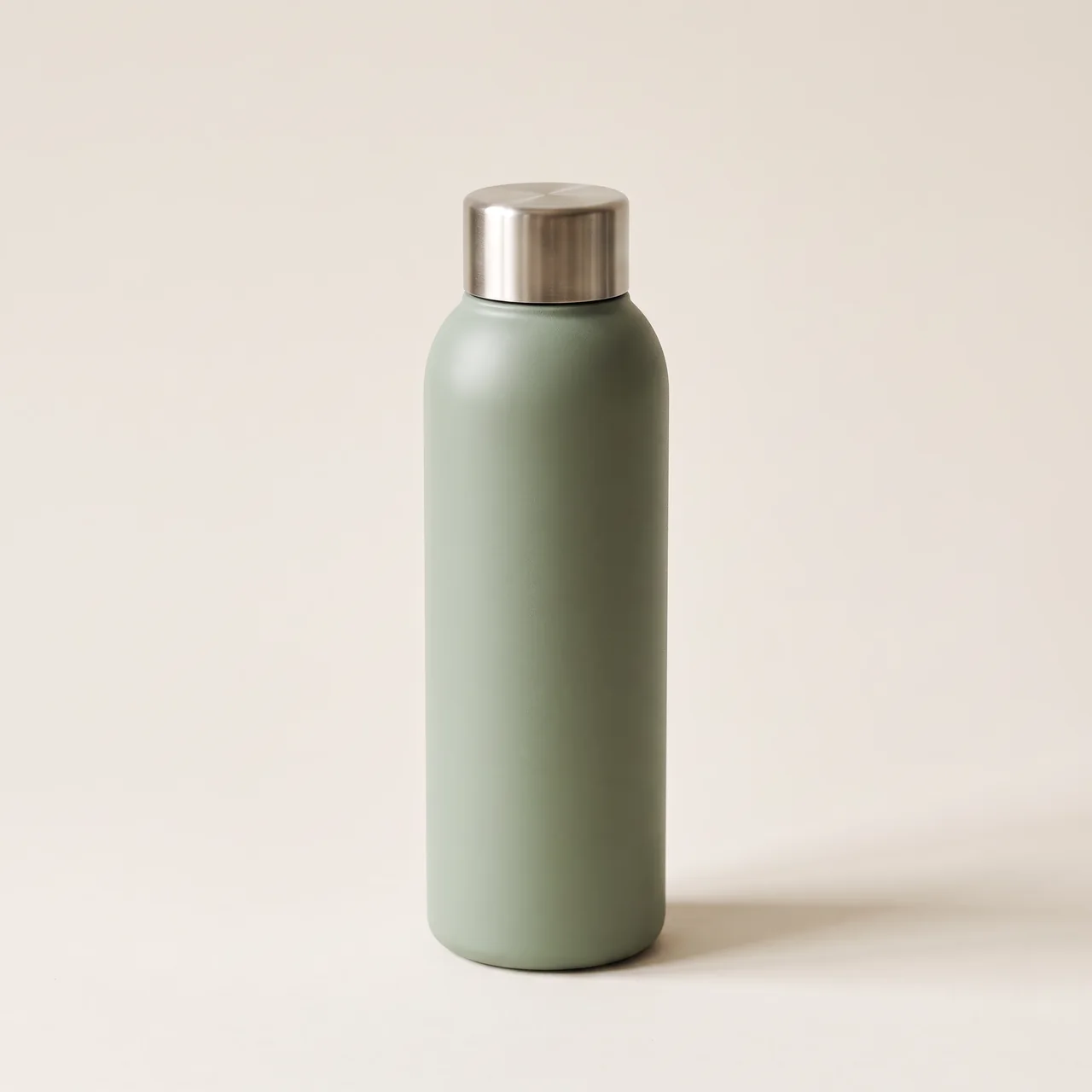
Check every angle before you download
Each model opens in an interactive viewer inside your Studio gallery and in its detail view. Rotate it, look underneath, and decide if it is worth taking into your own 3D tools.
- Useful for product previews and packaging mockups
- A starting point for game or AR prototypes built in other apps
- Archive the ones you don't need to keep the gallery tidy

One file type: GLB
Every model downloads as GLB, the single-file binary form of glTF, an open format many 3D editors and web viewers read. There is no export to other formats.
- GLB only: no USDZ, OBJ or FBX
- Convert it in your own software if a tool needs another format
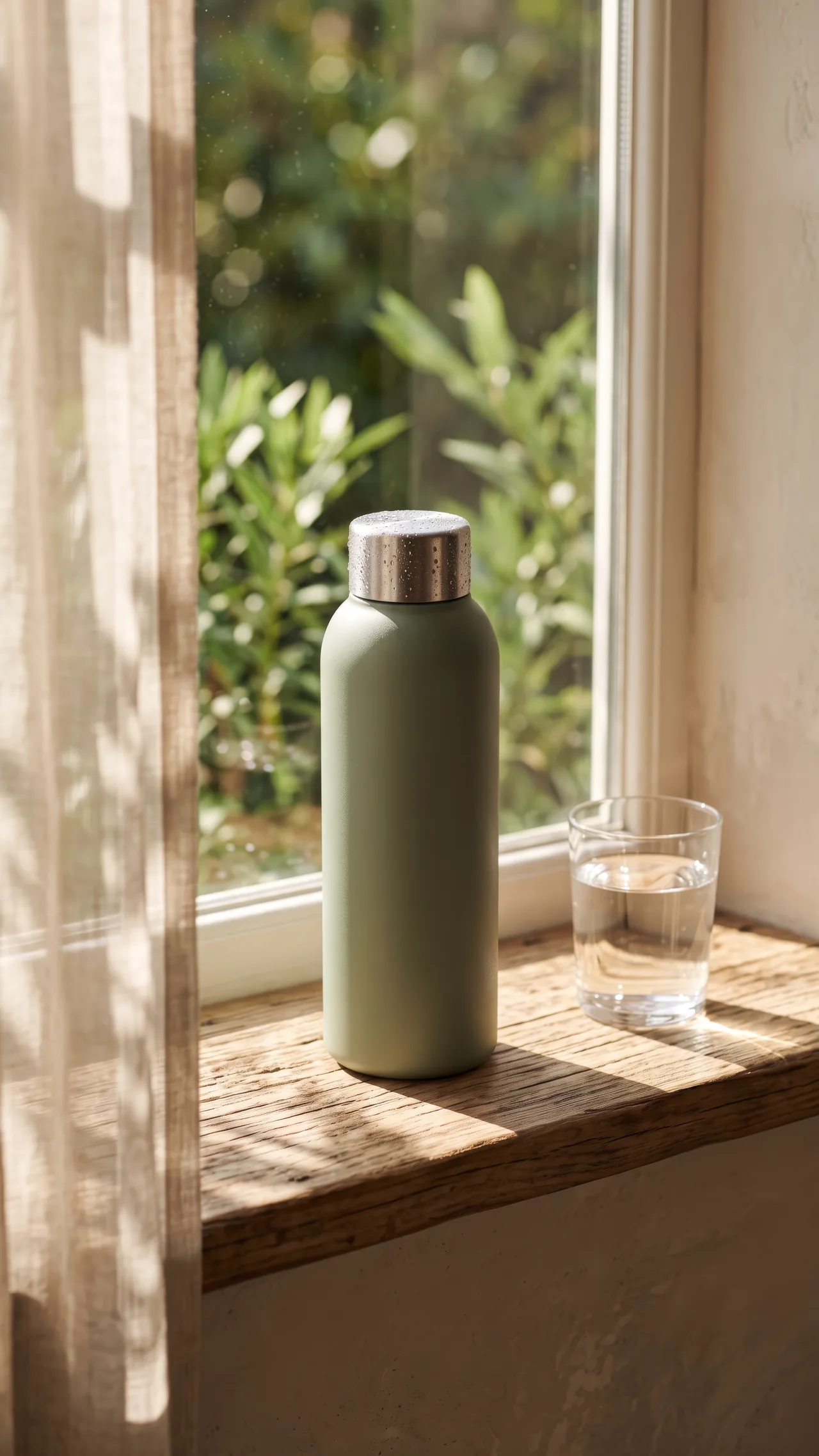
Where a model can and cannot go
A 3D model lives in your gallery, as a download, or as a link you send someone. It does not go out to social networks and it cannot be placed on your bio page.
- New models are marked public; set any of them to private from its detail view
- Explore, the public gallery, lists images and videos, not models
- For something to publish, make an image or a video of the same idea
What a model costs
Each model is paid from your credit balance, and the Studio quotes the exact amount before you confirm. Every plan adds credits each month, starting with 1,500 on Starter.
- The price comes from the live model catalogue, so it can change
- Nothing is charged until you confirm the quote
3D models at a glance
| Input | A written description or a photo of the object |
|---|---|
| Output | A 3D model, saved as GLB |
| Preview | Interactive viewer in the gallery and detail view |
| Download | GLB file only |
| Publishing | Not to social networks, not on the bio page |
| Visibility | Marked public by default, can be set to private; not listed in Explore |
| Price | Paid in credits, quoted before you generate |
| Plan | The 3D mode opens on every plan; Starter adds 1,500 credits a month ($27 monthly) |
3D model questions
What people ask before their first 3D model.
See your product from every side
Describe it or snap it, check the model in the viewer, and take the GLB wherever you build.