AI image generator
Make the images your posts need with AI
Describe the picture, or attach a photo you want changed, and AI Studio hands back an image to download or drop into a post. LookMyBio shows the credit price before you press generate.
AI Studio is open on every plan; images are paid in credits, and the price shows before you generate.

The AI Studio page in the app: the prompt bar moving through image, video and 3D with each model and its credit quote, above the gallery of recent media, an image for each business on this page, a video and a 3D model.
Your product looks better in person than in your feed
There is no budget for a photographer this week, stock pictures look like every other shop, and the promo goes up tomorrow. So the post goes out with a quick phone shot under kitchen light, and it undersells what you make.
Your digital presence doesn't have to be this fragmented
LookMyBio brings the whole flow into one platform, so you produce in a more organized way and stay in control of what gets published.
How it works
Describe the shot
Say what is in the frame, the light and where your text will sit. Attach a photo too if you want one of yours changed instead of starting blank.
Pick a model and check the price
Choose from the models AI Studio lists today. Each one shows its credit price up front, and nothing is charged until you press generate.
Polish it, then use it
Upscale it or cut out the background, then download it or pick it from the library inside the post composer (posting starts on Starter).
From one sentence to a product shot
Write the picture the way you would brief a photographer: the product, the table, the time of day. AI Studio turns it into an image you can keep, try again or tweak with a new prompt.
- Product shots on a clean or styled background
- Promo images with empty space left for your offer
- Lifestyle scenes that show the product in use
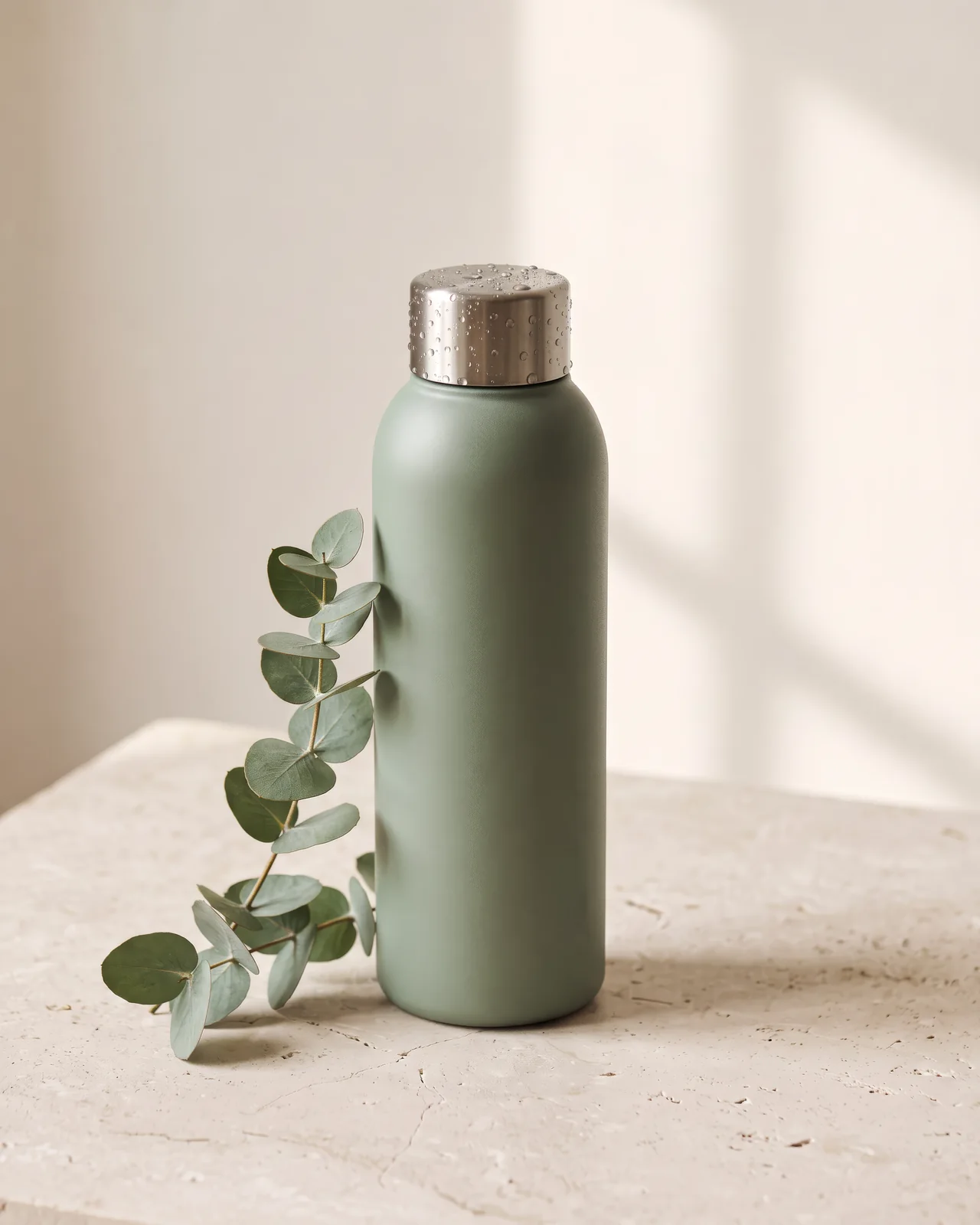
Change a photo you already took
Attach your own picture and describe what should change, for models that accept one. Two one-click tools sit on every image in your gallery as well.
- Improve resolution for a sharper, larger file
- Remove the background and get a transparent PNG
- Each tool shows its credit price before it runs
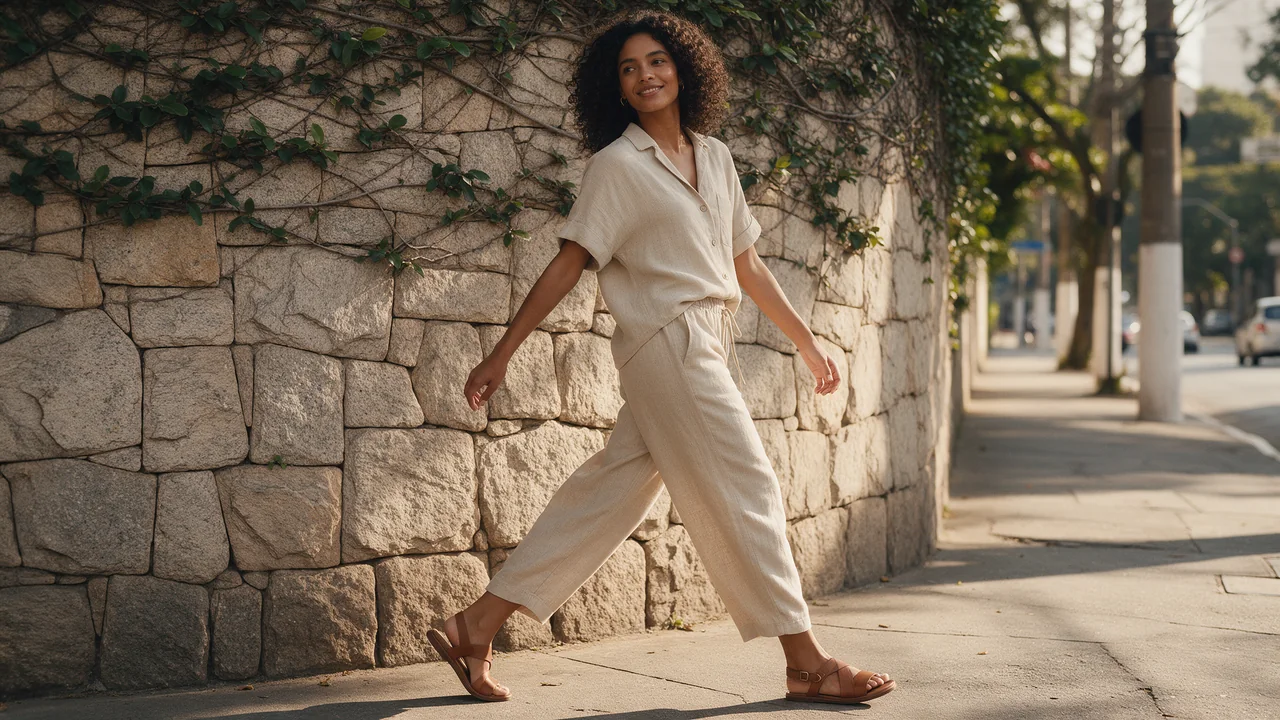
Images that look like your brand, not a template
The Brand style chip is on by default for images, so the colours and mood from your Brand Kit ride along with each prompt. Enhance with brand rewrites a rough prompt using your kit, for a small credit charge.
- Switch the chip off for a one-off look
- The chip hides itself when your kit has no visual style yet
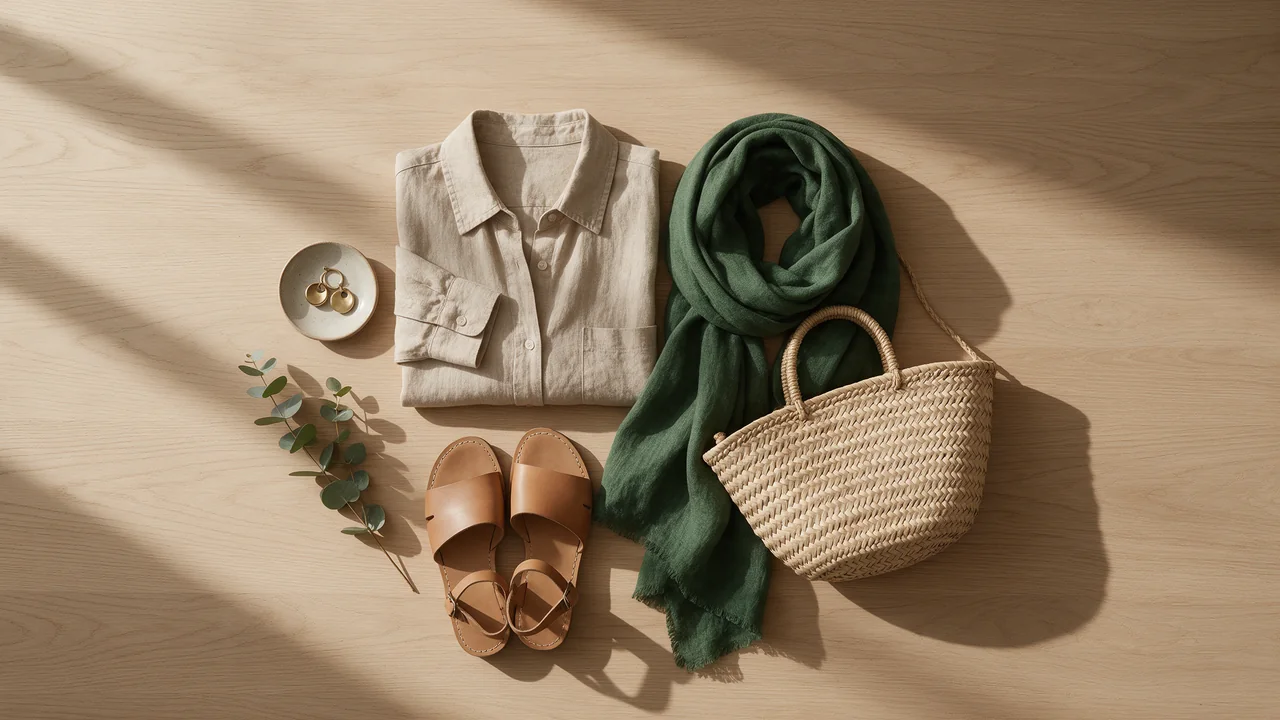
The Brand Kit page in the app, filled in for Casa Linho, a linen clothing shop: identity, colours, fonts, voice, audience and quick wins. Then the bio page editor, with the page drawn in the colours the kit found.

Models change; the price is always shown first
The list of image models comes from a live catalogue that LookMyBio updates as better options appear and older ones retire. That is why this page names none of them and quotes no fixed price per image.
- The credit price sits next to the generate button
- The model picker always shows the current list
From the gallery into a scheduled post
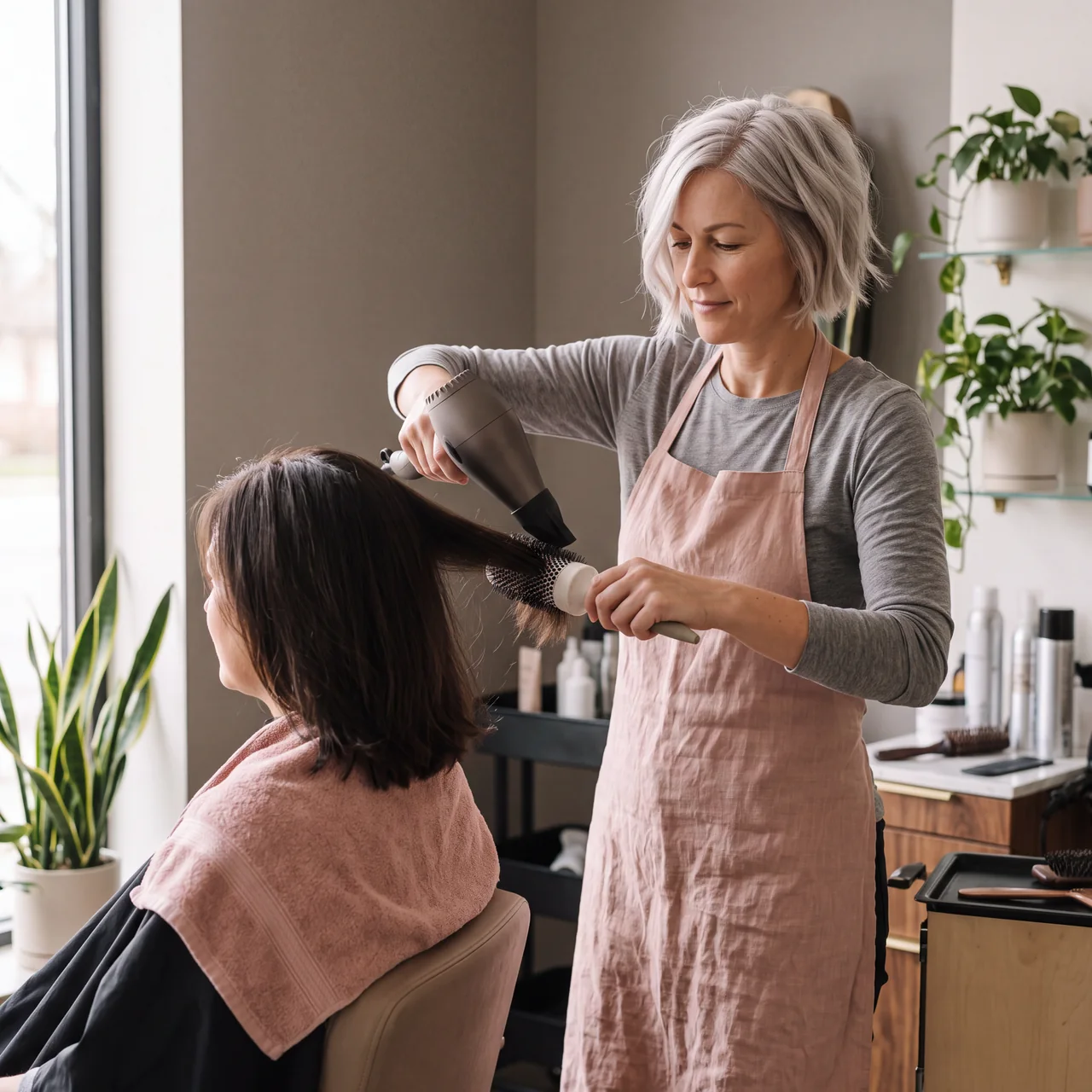
Every image you make lands in your Studio gallery and in the media library of the post composer. From Starter, use it in feed posts, carousels and stories for Instagram, Facebook, X and LinkedIn, then publish now or pick a time.
- Or download the file and post it wherever you like
- Crop per network happens in the composer, not in the Studio

The Socials page in the app for Atelier Rosa, a hair salon: its connected accounts, this week's posts and the Create button. Then the New post composer with a reel for Instagram, Facebook, TikTok and YouTube, its caption, and Instagram's "Made with AI" label switched on.
AI images at a glance
| Where | AI Studio, in your dashboard |
|---|---|
| Input | A written prompt; a photo of yours to change, when the model takes one |
| Output | Images saved to your Studio gallery |
| Tools | Upscale and background removal, each paid in credits |
| Price per image | Set by the model you pick, shown before you generate |
| Credits each month | Starter 1,500, Creator 4,000, Teams 15,000 |
| Models | From a live catalogue that changes over time |
| Post to | Instagram, Facebook, X and LinkedIn, from Starter ($27 a month) |
| Plan | Every plan |
AI image questions
What people ask before making their first AI image.
Give your next post a photo worth stopping for
Write the shot you have in mind, check the price and see the result without leaving your dashboard.