Real estate agents
A new listing in the feed every week, even between showings
LookMyBio turns a listing page into a carousel and captions in your brand, schedules the week's posts and turns the link in your profile into a page holding your featured homes, a WhatsApp button and your license details.
Scheduling, the bio page and its visit counts start on Starter at $27 a month. Listing links turn into carousels on Creator, and brokerage teams start on Creator.


Showings all week, a silent feed
Between showings, key handoffs and closing paperwork, Instagram sits untouched for days. The home you signed yesterday only lives on the portal, your bio link still points to a place that sold last month, and a buyer scrolling past has no quick way to check you are the agent you say you are.
Your digital presence doesn't have to be this fragmented
LookMyBio brings the whole flow into one platform, so you produce in a more organized way and stay in control of what gets published.
From listing to feed in three moves
Teach the kit your brokerage
Paste your website, or write a short note on your market: the neighbourhoods you cover, your colours, your logo and how you talk to first-time buyers.
Paste a listing, review the carousel
Drop in the link to a listing on your site or a portal, then check the slides and captions, add your license line where your state asks for it and fix anything that reads wrong.
Schedule the week, refresh the bio
Put the listing and the tour on the calendar, then update the bio page with this week’s featured homes, a WhatsApp button and the office map.
Your brokerage’s colours on every listing post
The kit holds your logo, your tone, up to 10 colours and as many as 6 content themes, such as new listings, the neighbourhood, financing explained and a day on the job. Each image and caption you make later starts from those choices.
- Opens on Starter
- Only what your site or your note says goes into it, so no amenity is invented

The Brand Kit page in the app, filled in for Casa Linho, a linen clothing shop: identity, colours, fonts, voice, audience and quick wins. Then the bio page editor, with the page drawn in the colours the kit found.

From the listing page to a carousel
From Creator, paste the public link to a listing on your website or a portal and the slides come back as a carousel, where Instagram, X, LinkedIn and TikTok each get a hook and caption of their own. If a page can’t be read, paste the listing text and work from that.
- Check the square footage, the asking price and the address on every slide before you schedule
- The caption is yours: add your name, brokerage and license where your state’s rules ask for them

The AI posts page in the app: a YouTube link pasted as the source, the video's card, Carousel suggested as the format and what reading it costs. Then the same post finished: every step done and the carousel's slides in Marina Vale's brand, with its caption, ready to publish.
Listing of the week on Monday, the tour on Wednesday
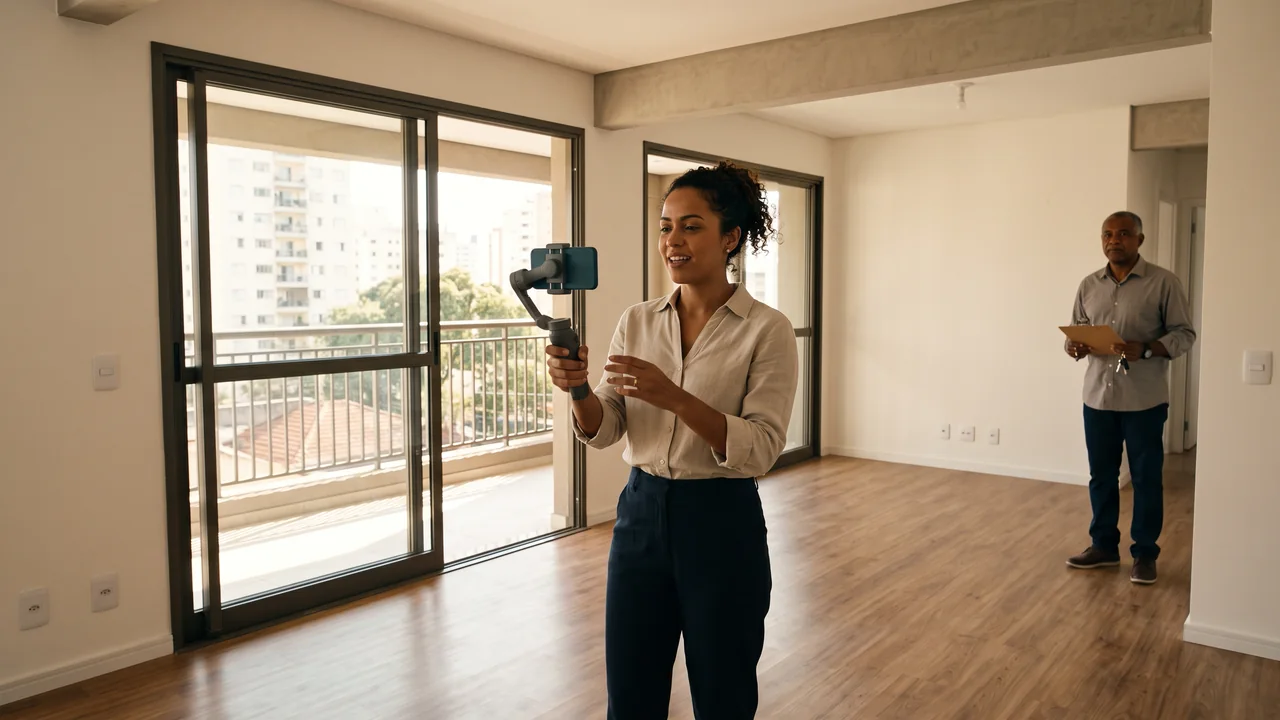
Sit down every other week and lay out the posts: the new listing as photos early in the week, the walkthrough you filmed on your phone a couple of days later, a neighbourhood guide once a month and a post on what a rate change means when mortgage rates move. They go to Instagram, Facebook (Pages only), X, TikTok (videos only), LinkedIn (personal profiles only) and YouTube (videos only) at the times you choose, and the tour videos are what TikTok and YouTube take.
- Starter: up to 30 scheduled posts a month, from 2 accounts
- Creator: with no monthly cap on posts, from 10 accounts
- One listing scheduled on three accounts takes three from the monthly count
The Socials page in the app for Atelier Rosa, a hair salon: its connected accounts, this week's posts and the Create button. Then the New post composer with a reel for Instagram, Facebook, TikTok and YouTube, its caption, and Instagram's "Made with AI" label switched on.
A bio page buyers can check you on
Open with a header showing your name, brokerage and license details (Starter), then add one link per featured home pointing to its page on your site or the portal, plus a WhatsApp button; Starter and above put no limit on the number of links. A text block (Starter) and an FAQ on documents, financing and showings (Starter) answer the usual questions. Later you can add photos of the featured home (Creator), the tour video (Creator), the office map (Creator), a countdown to the open house (Creator) and an email list for buyers waiting on a two-bedroom (Creator).
- Visits and taps on each listing link from Starter
- No showing calendar, lead CRM or deposit payments: every button hands off to the app you already work in

The Page stats page in the app, with example data for Ama Duarte's dance studio over the last 30 days: views, link clicks and click rate against the previous 30 days, which blocks and links people clicked, where visits came from and what to do next.
Open house flyers and neighbourhood scenes
Describe the piece, like a Saturday open house, a new development launch or a guide to the park on the corner, and AI Studio draws it in your kit’s colours from Starter: a row of townhouses at dusk, a set of keys on a table, a tree-lined street. Images post to Instagram, Facebook, X and LinkedIn, and short clips from the same studio go to Instagram, Facebook, X, TikTok, LinkedIn and YouTube.
- For flyers and scenes only: a listing is always shown in its real photos, since an altered photo can mislead a buyer
- Instagram, TikTok and YouTube take an AI label when you publish; elsewhere, say it in the caption
- Clips come out as generated, with no editor to trim them

The AI Studio page in the app: the prompt bar moving through image, video and 3D with each model and its credit quote, above the gallery of recent media, an image for each business on this page, a video and a 3D model.
Plans for agents and brokerages
| Starter | $27 a month for 1 profile and 2 accounts, 1,500 AI credits, the brand kit, the calendar, page stats and the header, text and FAQ blocks on your bio |
|---|---|
| Creator | 10 accounts over 2 profiles at $70 a month, with 4,000 AI credits, carousels from a listing link and the photo carousel, video, map, countdown and email blocks |
| Teams | $185 a month for 10 profiles and 100 accounts, 15,000 AI credits and the contact form block, for an office with several agents |
| Team | From Creator: 2 team members besides the owner on each Creator profile, no cap on team members on Teams |
| Not included | A searchable listing catalogue, sync with listing portals or the MLS, a showing calendar, a lead CRM, a mortgage calculator, e-signatures, deposit payments, a DM inbox, WhatsApp auto-replies or immersive virtual tours. The bio page links out to the tools you already use. |
Questions from real estate agents
What agents and brokers ask before they let a tool run their listing posts.
Keep your listings in the feed during the busy weeks
Set up the kit, turn one listing into a carousel and put your featured homes and license on your bio page.