Gyms and studios
Fill the classes, not just the timetable
Plan a whole week of posts for your gym or studio at once with LookMyBio, and turn your bio link into the answer to “how do I try a class?”
Starter costs $27 a month and brings the calendar, the bio page and its visit counts. The brand kit opens on Starter; carousels from a link need Creator.


Teaching all day, posting never
Between opening the doors, teaching your own classes and covering for an instructor who called in sick, Instagram slides to the evening, and in a busy week nothing goes up. January arrives, the year’s rush of new sign-ups with it, and the profile is not ready. Whoever taps the bio link lands on a bare list and sends a DM asking for times and prices.
Your digital presence doesn't have to be this fragmented
LookMyBio brings the whole flow into one platform, so you produce in a more organized way and stay in control of what gets published.
From the studio floor to a full calendar
Give the kit your studio’s feel
Share your site’s address, or tell it about the room: the classes you run, the colours on the walls, how your instructors talk to a nervous beginner.
Film in class, schedule on Sunday
Record short clips during the classes you already teach, make the art for the week’s notices and put everything on the calendar in one go.
Answer the trial class question up front
Build the bio page with your class types, the timetable, a trial class button and the map, so nobody has to ask in the DMs.
Next week’s classes on the calendar before Monday
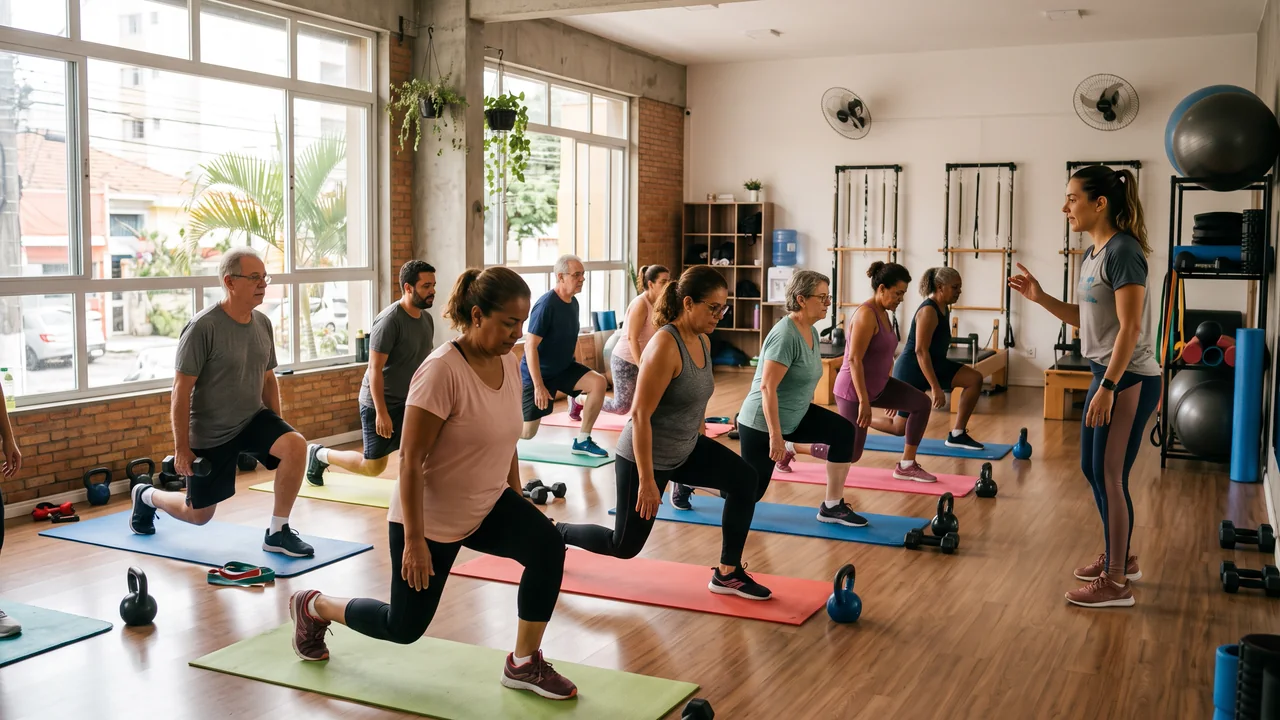
Film the lunges, the flows and the reformer work during the week, then set them all for Instagram, Facebook (Pages only), X, TikTok (videos only), LinkedIn (personal profiles only) and YouTube (videos only) in one evening. Three or four posts a week from real classes keep a studio feed alive longer than a daily plan dropped by March.
- Starter: 30 scheduled posts a month to work with, and 2 accounts to post from
- Creator: with no monthly cap on posts, and 10 accounts to post from
- A post going to three accounts counts as three scheduled posts
The Socials page in the app for Atelier Rosa, a hair salon: its connected accounts, this week's posts and the Create button. Then the New post composer with a reel for Instagram, Facebook, TikTok and YouTube, its caption, and Instagram's "Made with AI" label switched on.
Holiday hours and special classes, in the studio’s look
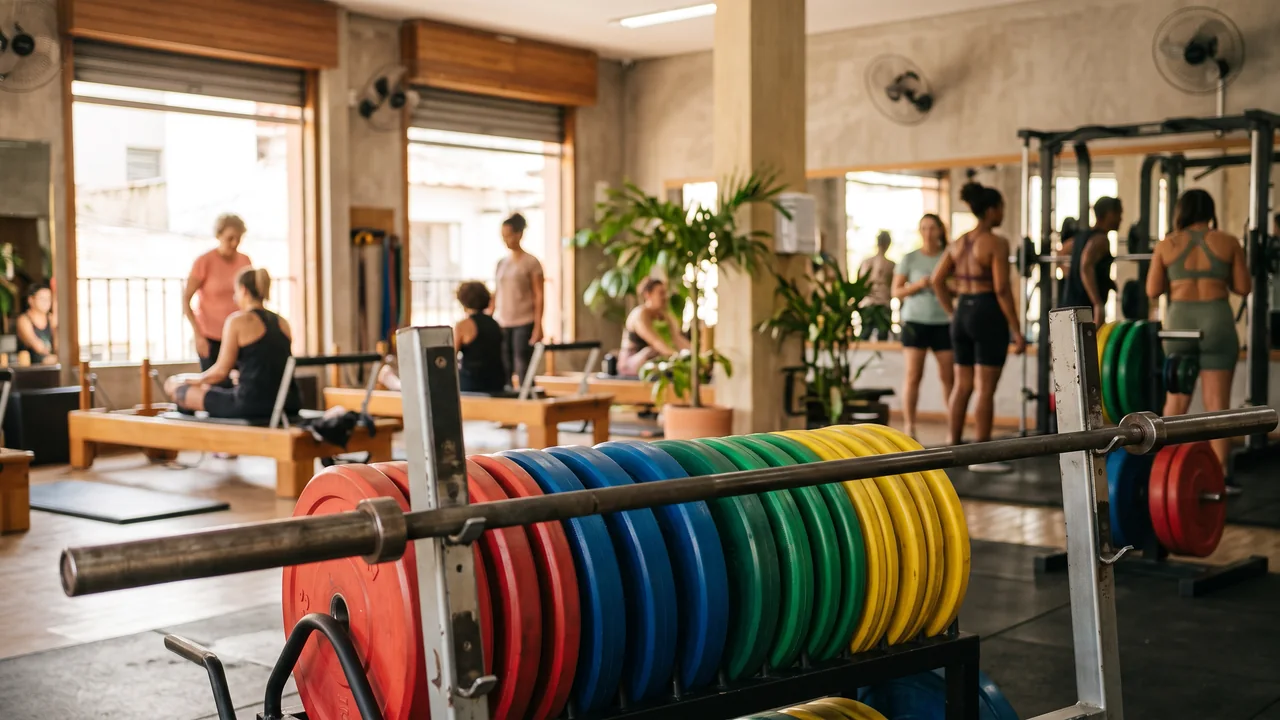
Describe the notice, such as a holiday timetable, a Saturday workshop or the opening of a new room, and AI Studio makes the picture from Starter: weight plates in your colours, mats on a shelf, an empty studio at sunrise. It posts to Instagram, Facebook, X and LinkedIn.
- The class times go in the caption, where you can check every one before it posts
- Use AI for scenes and objects, never for bodies or a member’s results
The AI Studio page in the app: the prompt bar moving through image, video and 3D with each model and its credit quote, above the gallery of recent media, an image for each business on this page, a video and a 3D model.
Your “what to expect” post, turned into a carousel
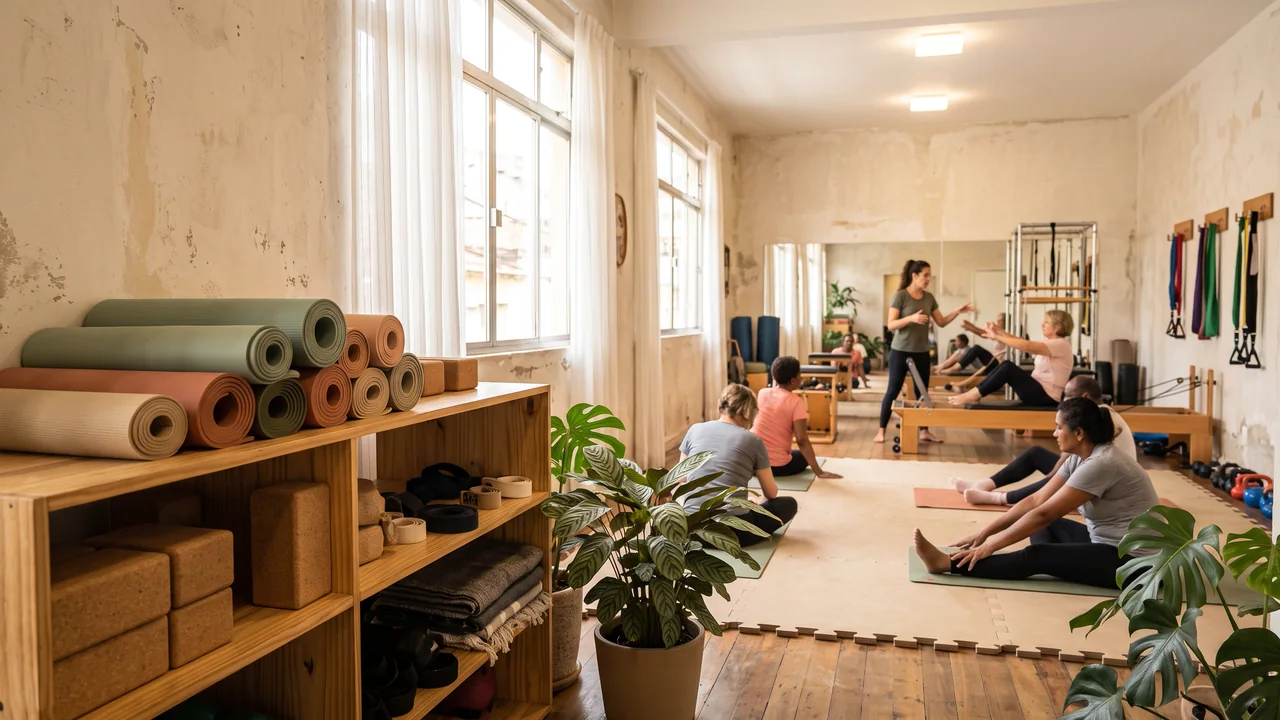
Write a blog post or film a video on what happens in a first class: what to wear, when to arrive, how the instructor adjusts the machine. From Creator, paste its link and it returns as a carousel, ready to edit, its captions tuned to Instagram, X, LinkedIn and TikTok.
- Edit every slide and caption before it goes on the calendar
- Educational posts should name the instructor and their professional registration, as your local rules ask

The AI posts page in the app: a YouTube link pasted as the source, the video's card, Carousel suggested as the format and what reading it costs. Then the same post finished: every step done and the carousel's slides in Marina Vale's brand, with its caption, ready to publish.
A bio link that answers before the DM
A Book a trial class button that opens WhatsApp or your booking system works from Starter. Add a header with your classes and neighbourhood (Starter) and an FAQ on prices, parking and what to bring (Starter). A timetable carousel (Creator), a tour video (Creator), the map (Creator), a countdown to the January challenge (Creator), an email sign-up for news (Creator) and the class playlist (Creator) round it out.
- Page stats count visits and link taps from Starter, so you can tell how many people reach the trial class button
- No class booking or check-in here: the button sends people to the system you already use

The Page stats page in the app, with example data for Ama Duarte's dance studio over the last 30 days: views, link clicks and click rate against the previous 30 days, which blocks and links people clicked, where visits came from and what to do next.
Sage, terracotta or neon: the kit keeps your colours
The kit stores up to 10 brand colours, the tone your instructors use and 6 content themes, such as first-class tips, behind the scenes and the week’s timetable. Every image and caption made afterwards begins there.
- Built from your site or a short note on the gym
- Included from Starter
The Brand Kit page in the app, filled in for Casa Linho, a linen clothing shop: identity, colours, fonts, voice, audience and quick wins. Then the bio page editor, with the page drawn in the colours the kit found.

Plans for gyms and studios
| Starter | $27 monthly for 1 profile and 2 accounts to post from, with 1,500 AI credits. Covers the kit, the calendar, a bio page with header and FAQ blocks, and its stats |
|---|---|
| Creator | $70 monthly for 2 profiles and 10 accounts to post from, with 4,000 AI credits. Adds carousels from a link plus the carousel, video, map and countdown blocks |
| Team | From Creator: 2 instructors besides the owner on each profile with Creator, as many instructors as the team needs with Teams |
| Not included | Class booking and check-in, membership billing, member and attendance records, a DM inbox, WhatsApp auto-replies or review collection. The bio page sends people to the gym system you already run. |
Questions from gyms and studios
What gym owners and studio teachers ask before they hand the feed to a tool.
Get the profile ready before the January rush
Build the kit, line up a week of class clips and pin a trial class button to the top of your bio page.