Cookie preferences

We use essential cookies to make the site work. With your permission, we also use optional cookies for analytics, marketing, and functionality.

Nutritionists

Nutrition content that teaches, on your clinic’s schedule

Turn the articles and recipes you write into carousels, line up a week of posts and give your bio link a page with your registration number, how a consultation works and a button to book on WhatsApp. LookMyBio drafts, and you approve.

Starter, at $27 monthly, covers the calendar and your bio page; the article-to-carousel tool comes with Creator.

pratovivo.nutriRecipe
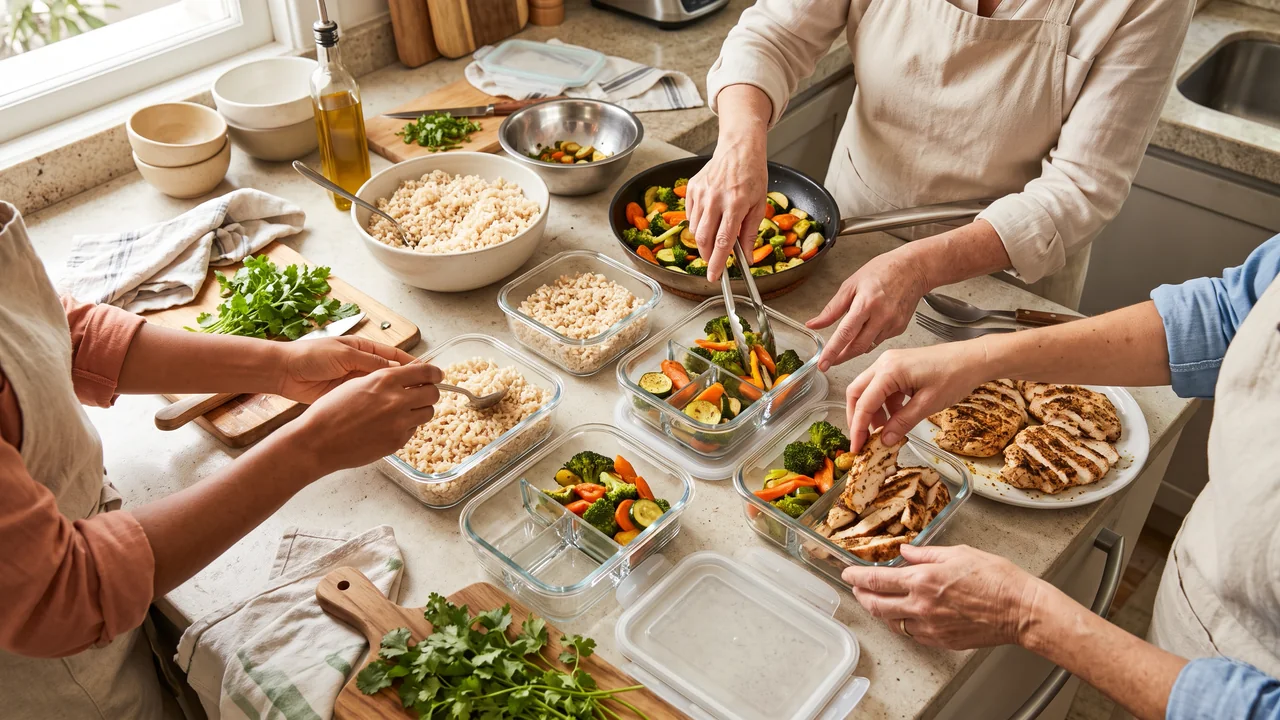
A colourful lunch bowl with rice, beans, grilled chicken, roasted pumpkin and fresh greens, made with AI
pratovivo.nutri Tuesday’s lunch bowl: rice and beans, grilled chicken, roasted pumpkin and a big handful of greens. How to prep it for the whole week is on the blog, link in bio.

Patients all week, posts pushed to Sunday night

Your days go to consultations, so content waits for the weekend. The dramatic transformation photos other feeds lean on are something your professional code may rule out, and that leaves you wondering what to share at all. Meanwhile, people looking for advice on eating well keep landing on influencers who sell miracle diets.

Your digital presence doesn't have to be this fragmented

LookMyBio brings the whole flow into one platform, so you produce in a more organized way and stay in control of what gets published.

From your notes to a week of teaching posts

  1. Describe the practice once

    Paste your website, or write a few lines about how you work with patients. The kit keeps your colours, a warm voice and themes such as recipes, myths and clinic routine.

  2. Start from what you already wrote

    Publish an article on your blog, or paste the link to a text or a video of yours, then edit the carousel and caption it turns into.

  3. Fill the week, then aim the bio link

    Queue the week’s posts, then make the link in your profile open a page with your registration, answers to what patients usually ask and your WhatsApp.

01 · Nutritionists

One article becomes posts you review

From Creator, drop in the link to an article, a recipe page or a YouTube video where you explain a topic, and a carousel comes back with its caption. Check every figure and every claim, add your name and registration, and only then give it a date.

  • Reads an article page, the transcript of a YouTube video or plain text
  • What comes back is a single image or a carousel, with its caption; video is not an output
  • Stays a draft until you schedule it

The AI posts page in the app: a YouTube link pasted as the source, the video's card, Carousel suggested as the format and what reading it costs. Then the same post finished: every step done and the carousel's slides in Marina Vale's brand, with its caption, ready to publish.

02 · Nutritionists

Guides that teach, published on your own blog

Write the pieces patients keep asking for, like how to read a food label or how to plan a week of lunches. The blog lives on your bio page. From Starter, an article can also be sent to 9 other blogs and newsletters, and from Creator your subscribers hear about each new one by email.

  • New-post emails reach up to 5,000 inboxes a month on Creator
  • Translation makes a new draft, one language at a time, for readers abroad: English, Portuguese, Spanish, French, German and Italian

The blog editor in the app with a post by Estúdio Norte, a brand studio: cover, title, subtitle and text. Then its Cross-post window, sending the post to each of the blog's destinations one after another.

03 · Nutritionists

Pictures of food, never of bodies

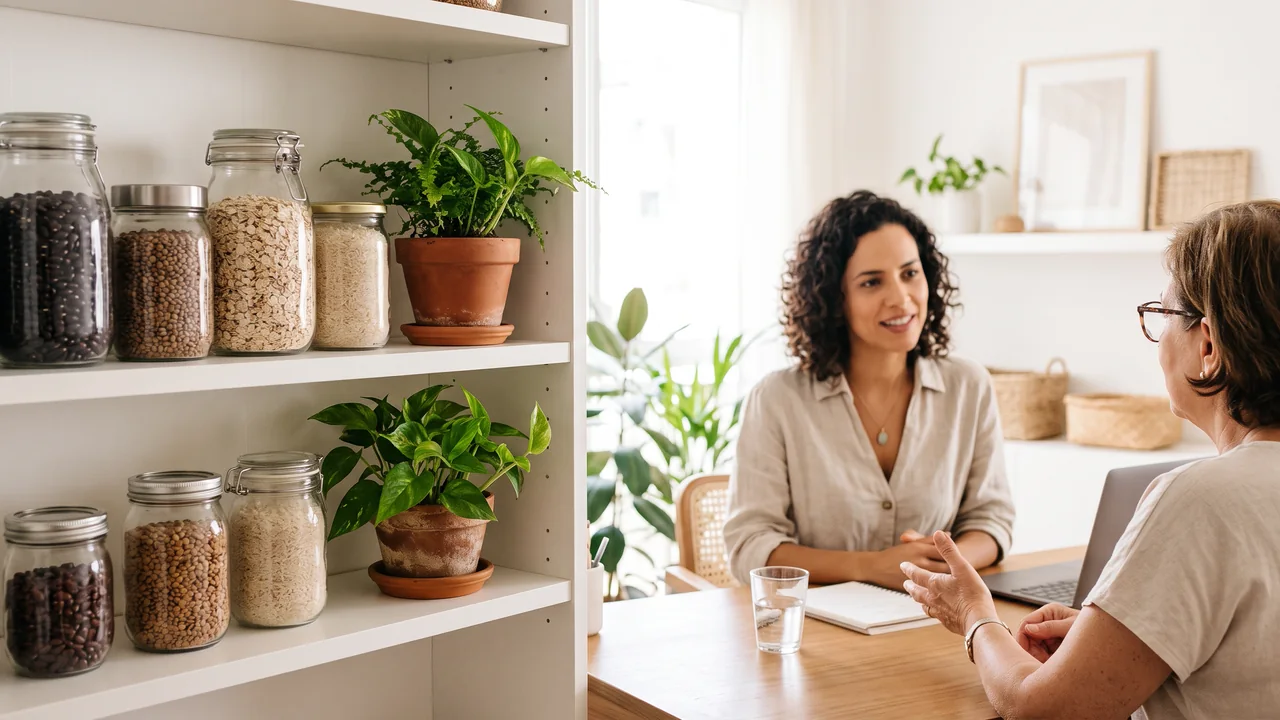
AI Studio, from Starter, makes images of dishes, ingredients, a pantry shelf or your consulting room, and its Brand style option brings your kit’s look into the prompt. Keep people and physical results away from it, since an AI image must not hint at what your care does to someone’s body.

  • On Instagram, TikTok and YouTube, switch on the made-with-AI label while publishing
  • The credit price shows before each image is generated

The AI Studio page in the app: the prompt bar moving through image, video and 3D with each model and its credit quote, above the gallery of recent media, an image for each business on this page, a video and a 3D model.

04 · Nutritionists

Monday to Sunday, planned in one sitting

A practical recipe with its shopping list, a myth checked against a source, a look at what happens in a first consultation. Add the dates your field marks, such as realistic January goals without fad diets, Easter, the holidays and World Food Day. Posts go out to Instagram, Facebook (Pages only), X, TikTok (videos only), LinkedIn (personal profiles only) and YouTube (videos only).

  • 2 accounts and a monthly quota of 30 scheduled posts on Starter; on Creator, 10 accounts and no monthly ceiling on the posts you queue
  • Each account a post goes to uses its own scheduling slot

The Socials page in the app for Atelier Rosa, a hair salon: its connected accounts, this week's posts and the Create button. Then the New post composer with a reel for Instagram, Facebook, TikTok and YouTube, its caption, and Instagram's "Made with AI" label switched on.

05 · Nutritionists

Your registration at the top, and a count of every tap

Put your name, profession and registration number in the header (Starter and up), and from Starter let an FAQ block explain what a consultation is like, in person or online. A map arrives on Creator, an intro video on Creator and an email sign-up for your recipe list on Creator. The booking button opens WhatsApp or the scheduling link you use today.

  • Page stats from Starter: how many people visit and which button they press
  • Keep health details out of the page: the conversation belongs on WhatsApp or in your clinic system

The Page stats page in the app, with example data for Ama Duarte's dance studio over the last 30 days: views, link clicks and click rate against the previous 30 days, which blocks and links people clicked, where visits came from and what to do next.

Nutritionists

Plans for nutritionists

Starter and Creator for a nutrition practice, side by side
StarterBio page with header and FAQ blocks, a monthly quota of 30 scheduled posts, 2 connected accounts on 1 profile and 1,500 credits, at $27 monthly
CreatorAdds article to carousel, new-post emails and the map, video and email sign-up blocks; no monthly ceiling on the posts you queue; 10 connected accounts over 2 profiles and 4,000 credits, at $70 monthly
Brand kitStarts from your clinic website, or from a paragraph you write about your work; included from Starter
Not includedAppointment booking, meal plans, patient records, video consultations, payments, a patient CRM, a DM inbox, WhatsApp automation, testimonial collection, and any review of your posts against your professional code
FAQ

Questions from nutritionists

What dietitians and nutritionists want to know before a tool touches their feed.

Read your licensing board’s rules and your professional code first. In Brazil, the nutrition council forbids it even when the patient agrees in writing. This page is built around formats that teach instead, like recipes, label reading and myth versus fact.

Codes differ, and the Brazilian one forbids using fees, promotions and giveaways to advertise care. A safe habit is to talk about prices privately with each patient and leave them out of your captions.

Don’t use it for that. Use it for dishes, ingredients and places. Brazil’s new code for nutritionists, set to take effect next January, also bars AI images of people that mislead about clinical results.

In the header, the first block visitors see on your bio page (available from Starter), and again in captions and on slides. LookMyBio doesn’t check posts against your code: the review is yours, so read each draft before you schedule it.

There is no calendar on it. Its button sends people to your WhatsApp or to the booking software you already pay for.

Yes, to your personal LinkedIn profile, from Starter. A business presence on LinkedIn can’t be connected, only the member profile.

Teach first, and let your bio handle the introductions

Build the kit, pick an article you have already written and give your bio link a page that shows who you are.