Doctors and clinics
Answer in your feed the questions patients ask in the exam room
LookMyBio reshapes your articles and patient handouts into posts in the practice's colours, lets you line up a whole week in one go and turns the bio link into a page holding the front desk contact, directions and what people ask before their visit.
Starter costs $27 monthly and already covers the kit, the posting calendar, a blog and the clinic's bio page. Drafting slides from your own article is part of Creator.


Clinic hours go to patients, and posting waits for the evening
Appointments take the day and the profile gets whatever energy is left at night. It goes silent for weeks while misleading health advice fills the gap, and someone looking for the practice cannot even find the right phone number.
Your digital presence doesn't have to be this fragmented
LookMyBio brings the whole flow into one platform, so you produce in a more organized way and stay in control of what gets published.
From exam room question to scheduled post
Start the kit from the practice website
Paste its address, or sum the practice up in a short paragraph: house colours, a calm and precise voice, and the subjects your specialty keeps explaining.
Hand it something you already wrote
Drop in the link to one of your articles or handouts, then go through the slides and caption it returns, adding your name and credentials before anything gets a date.
Fill the week, then point the bio somewhere useful
Spread the drafts over the next days and have the profile link land on contact details, the address, accepted insurance and the questions patients repeat most.
A measured tone that stays the same from post to post
The kit records up to 10 colours, your voice and 6 content pillars, say prevention, warning signs and what an exam involves. Every image and caption you make afterwards begins there, so a post written on a busy Thursday sounds like one written on a quiet Sunday.
- Opens on Starter
- Drafted from the clinic site or a short paragraph describing your practice

The Brand Kit page in the app, filled in for Casa Linho, a linen clothing shop: identity, colours, fonts, voice, audience and quick wins. Then the bio page editor, with the page drawn in the colours the kit found.

Your article, reshaped as a carousel
On Creator, hand over the URL of something you published, whether an article, a handout on the clinic site or a YouTube explainer you recorded. Back come slides and a caption, tuned for whichever of Instagram, X, LinkedIn and TikTok you pick. Strike any line that hints at an outcome, sign it with your name and license, and only then choose a slot.
- The result is a single image or a slide set, plus its caption
- Nothing leaves the drafts folder until you pick a slot
- Keep AI images to illustrating a topic: never in place of a patient photo or a before-and-after

The AI posts page in the app: a YouTube link pasted as the source, the video's card, Carousel suggested as the format and what reading it costs. Then the same post finished: every step done and the carousel's slides in Marina Vale's brand, with its caption, ready to publish.
One sitting a week for the whole schedule
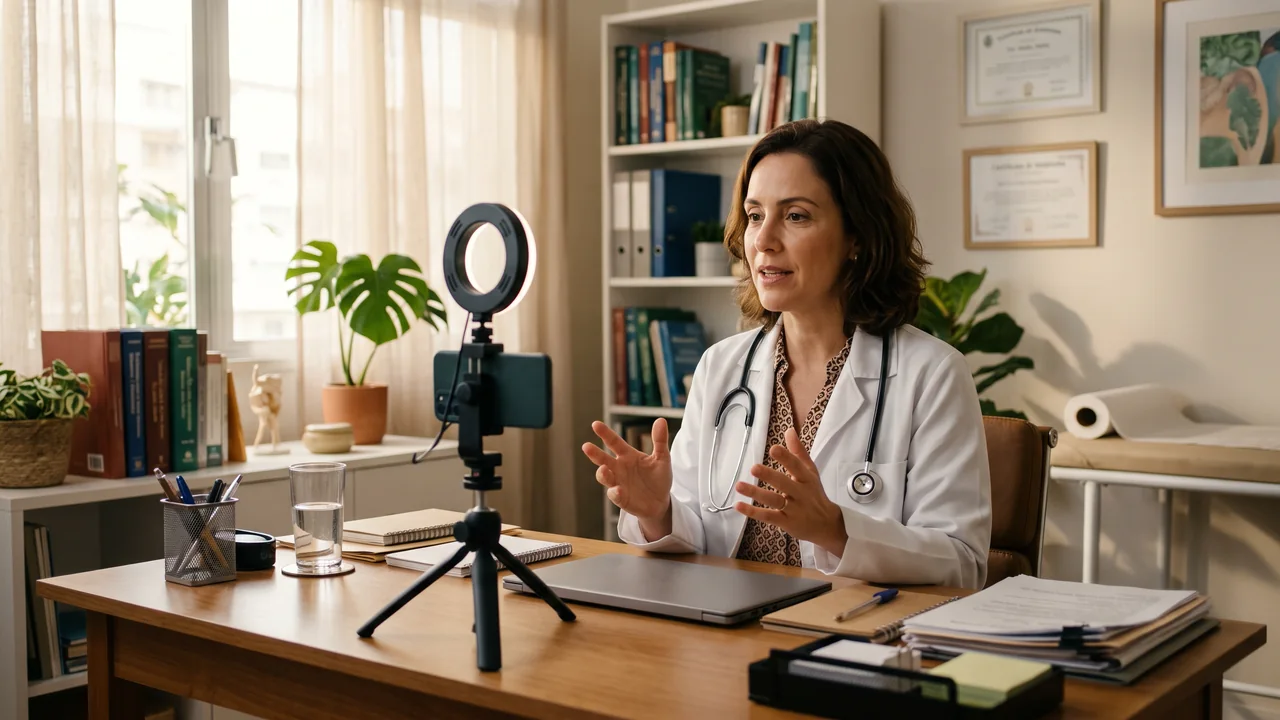
Plan seven days at a time on YouTube (videos only), Instagram, TikTok (videos only), LinkedIn (personal profiles only) and Facebook (Pages only). Think of a question of the week answered in slides, a monthly post on preparing for a common test, American Heart Month in February, flu shot season in the fall and screening reminders in October and November. Short explainers you film on a tripod are queued exactly like images.
- 2 linked accounts on Starter, 10 on Creator; Starter posts within 30 scheduling events per month, while Creator runs with no monthly cap on posts
- Queue one draft for two accounts and the monthly allowance drops by two
The Socials page in the app for Atelier Rosa, a hair salon: its connected accounts, this week's posts and the Create button. Then the New post composer with a reel for Instagram, Facebook, TikTok and YouTube, its caption, and Instagram's "Made with AI" label switched on.
A bio page that tells patients where to go next
The header (Starter and up) carries your name, your specialty and your license. Text and FAQ blocks, on Starter and Starter, hold office hours, accepted insurance and how to prepare for an exam. From Creator a map shows the way in, and from Creator a short video explains a first visit. Buttons open the front desk's phone or WhatsApp, your booking system or the telehealth platform you already use.
- Starter counts visits and which button each visitor presses, so you learn what patients look for
- Leave symptoms and health details off the page: that conversation belongs in your own systems

The Page stats page in the app, with example data for Ama Duarte's dance studio over the last 30 days: views, link clicks and click rate against the previous 30 days, which blocks and links people clicked, where visits came from and what to do next.
Longer explanations that travel further
Long-form pieces sit on a blog that hangs off your bio page; from Starter upward, a block there lists the latest few. Starter adds cross-posting, so each piece can be sent to 9 more blog and newsletter services. For patients who read another language, an article can be translated into one of 5 other languages, one at a time, as a separate draft you check.
- A newsletter sign-up for health updates from Creator
- Translations are paid in credits, with the cap shown before it runs

The blog editor in the app with a post by Estúdio Norte, a brand studio: cover, title, subtitle and text. Then its Cross-post window, sending the post to each of the blog's destinations one after another.
Plans for a practice or clinic
| Starter | One doctor's setup at $27 monthly: 1 profile, 2 linked accounts and 1,500 credits, with the kit, blog, calendar and a bio page using header, text and FAQ |
|---|---|
| Creator | For a growing clinic at $70 monthly: 2 profiles, 10 linked accounts and 4,000 credits, plus slides from articles and the map, video and newsletter blocks |
| Colleagues on the account | Starting on Creator, 2 colleagues per profile besides the owner |
| On-page contact form | Only on Teams |
| Not included | Appointment booking, medical records, telehealth calls, WhatsApp reminders, billing, patient files, a messages inbox or review requests. No check of your posts against medical board or advertising rules |
Questions from doctors and clinics
What physicians and practice managers ask before a tool touches the clinic profile.
Answer one common question this week, and let the bio page do the rest
Build the kit, reshape one of your articles as slides and add license and address to the page behind your bio link.