Personal trainers
You coach. Your posts go out on schedule.
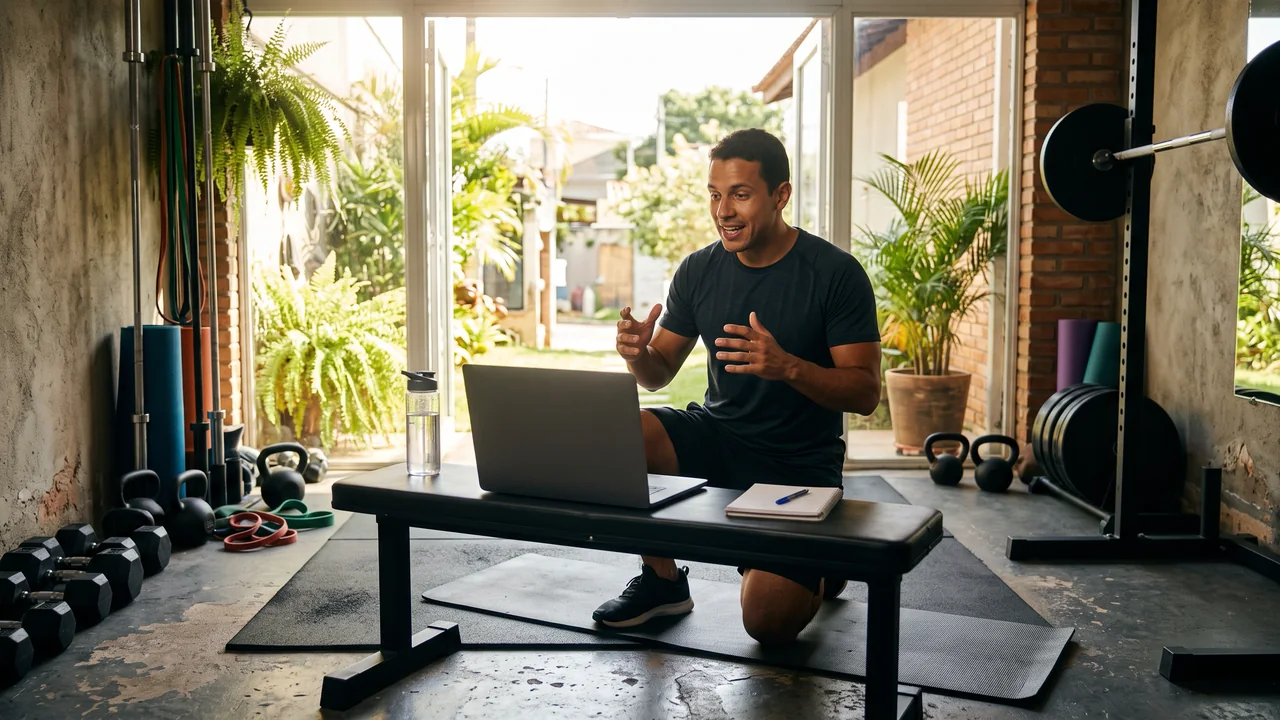
Film between clients, line up the week for Instagram, TikTok and YouTube, and let your bio link open a page that explains how your coaching works and starts a WhatsApp chat.
Calendar, bio page and click stats open on Starter ($27 a month). Carousels made from your article or video need Creator.


Clients all day, content after ten at night
Your day runs between the gym floor and clients’ living rooms, so filming, editing and captions slide to late evening, and most nights they never happen. Without a steady feed, whoever is searching for a trainer nearby or for online coaching finds someone else. And the link in your profile still doesn’t say how you work or how to start.
Your digital presence doesn't have to be this fragmented
LookMyBio brings the whole flow into one platform, so you produce in a more organized way and stay in control of what gets published.
From a set on the gym floor to a planned week
Set up your brand kit
Paste your site or describe how you coach. The kit remembers your palette, the way you talk and themes such as technique, training routine and fitness myths.
Gather the clips and fill the week
Pick the videos you shot between sessions, write or tweak each caption with your name and credentials, and drop them onto the calendar.
Build the page behind your bio link
Explain how your coaching works and who it suits, answer the usual questions and add a WhatsApp button for people ready to start.
Film on Monday, publish through Sunday
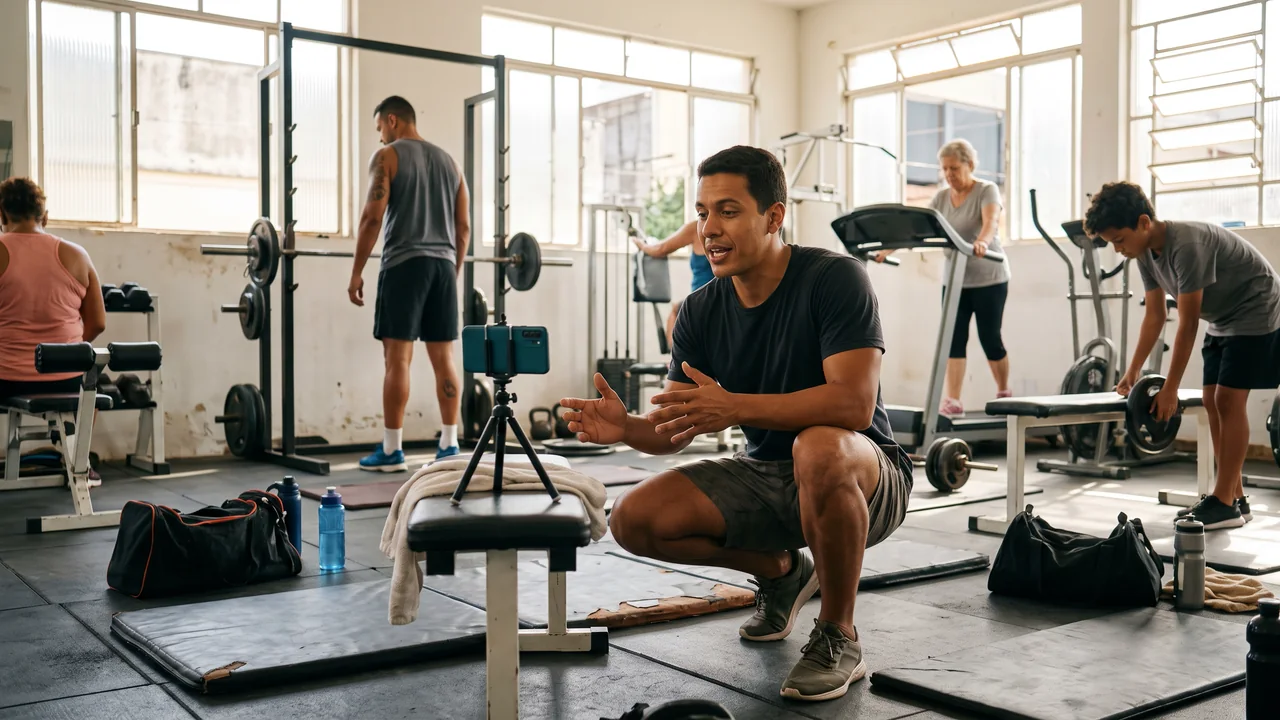
Record a form tip while the gym is quiet, then plan the rest: a common execution mistake, a myth checked against the facts, a glimpse of your own routine. Each clip goes to Instagram, TikTok and YouTube from one calendar, with its own account and time. Plan the year as well, from the January restart to the months before summer, selling consistency rather than a deadline.
- Starter links 2 accounts with a monthly allowance of 30 scheduled clips; Creator links 10, with no monthly ceiling on scheduled clips
- One clip scheduled on two accounts uses two of the monthly allowance
- Nothing goes out until you put it on the calendar
The Socials page in the app for Atelier Rosa, a hair salon: its connected accounts, this week's posts and the Create button. Then the New post composer with a reel for Instagram, Facebook, TikTok and YouTube, its caption, and Instagram's "Made with AI" label switched on.
Your coaching voice, kept in one place
The kit stores up to 10 colours, your fonts and as many as 6 content themes, for example technique, routine and myths. In AI Studio, a brand style option adds that look to your image prompts, so covers and backgrounds match the clips.
- Available from Starter
- Built from your site, or from a few lines on how you train people
The Brand Kit page in the app, filled in for Casa Linho, a linen clothing shop: identity, colours, fonts, voice, audience and quick wins. Then the bio page editor, with the page drawn in the colours the kit found.

Turn a guide or a YouTube lesson into slides
From Creator, paste the link to an article you wrote or to one of your YouTube videos and get a carousel back, with a caption in the style of Instagram, X, LinkedIn and TikTok. For a video it reads the transcript, so a recorded coaching call about warm-ups becomes slides you correct before anything is scheduled.
- The result is slides or a single picture plus a caption, never a video
- Add your name and registration to the slides before they go anywhere
The AI posts page in the app: a YouTube link pasted as the source, the video's card, Carousel suggested as the format and what reading it costs. Then the same post finished: every step done and the carousel's slides in Marina Vale's brand, with its caption, ready to publish.
A bio page that sells the coaching, with numbers on each tap
The header, from Starter, carries your name with your certification or registration number. A text block from Starter explains how online and in-person coaching work, an FAQ block from Starter handles the usual doubts, and Creator adds an intro video. A link button opens WhatsApp with “I want to start”, and from Creator a map shows the studio where you train people.
- Visits and taps on every button from Starter
- No booking, checkout or recurring billing: each button opens WhatsApp, your booking link or the payment tool you already use
The Page stats page in the app, with example data for Ama Duarte's dance studio over the last 30 days: views, link clicks and click rate against the previous 30 days, which blocks and links people clicked, where visits came from and what to do next.
Guides that answer beginners before they message you
Write the pieces beginners search for, such as a three-day week for someone starting out or how to warm up before squats, in the blog on your bio page. From Starter readers can subscribe, from Creator each new article reaches them by email, and from Starter you can send a copy of it to 9 outside blogs and newsletters.
- The Blog posts block lists your newest articles on the bio page from Starter
- Creator sends up to 5,000 new-post emails a month
The blog editor in the app with a post by Estúdio Norte, a brand studio: cover, title, subtitle and text. Then its Cross-post window, sending the post to each of the blog's destinations one after another.
Plans for personal trainers
| Starter | $27 each month buys the brand kit, the blog, header, text and FAQ blocks, 1,500 credits and 2 connected accounts on 1 profile, with a monthly allowance of 30 scheduled clips |
|---|---|
| Creator | $70 each month adds carousels from a link, video and map blocks and new-post emails, with 4,000 credits and 10 accounts across 2 profiles, no monthly ceiling on scheduled clips |
| Your registration | You type your name and registration into the header and each caption; nothing adds it for you |
| Not included | Workout plans or a client app, session booking, recurring billing or checkout, client records, a DM inbox, WhatsApp automation, reviews, or a review of captions under your council’s code |
Questions from personal trainers
What trainers want to know before a tool posts for them.
Leave the feed scheduled and get back to your clients
Set up the kit, schedule one week of clips and put a WhatsApp button on your bio page.