Salons and barbershops
Your chair is busy all day. Your feed can be too.
LookMyBio turns the cuts, colour and beard work you finish each week into posts with your salon's identity, lets you schedule the whole week in one sitting and points clients straight to the booking link you already use.
The brand kit opens on Starter. The calendar, the bio page and its stats come with Starter at $27 a month; the carousel and map blocks need Creator.


Scissors all day, Instagram at midnight
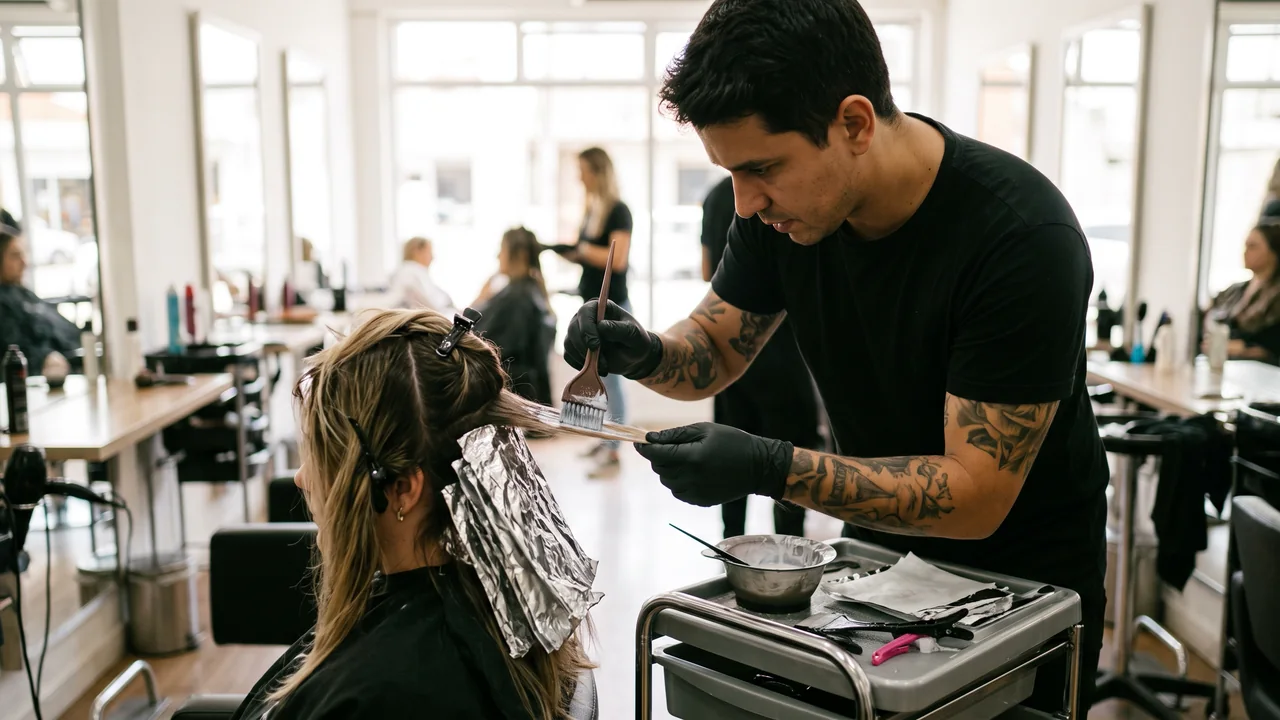
From opening to close your hands are on a client, so the feed gets whatever is left of the night. The photo of the cut is already on your phone, yet the caption, the art and the time to post keep moving to tomorrow. And when a post finally goes up, the client still has to dig around to find out how to book.
Your digital presence doesn't have to be this fragmented
LookMyBio brings the whole flow into one platform, so you produce in a more organized way and stay in control of what gets published.
From the chair to the feed in three moves
Tell it how the salon feels
Paste your website, or tell it in a sentence or two what the chair feels like: laid-back, classic or high-end. Add the themes you post about, such as transformations, home-care tips and the team.
Upload the week’s photos and clips
Pick the shots of the week, write the captions with the AI helper and set reels, TikToks and Facebook posts on the calendar in one go.
Put the booking button on top
Your bio page opens with a Book now button that leads to your booking app or WhatsApp, followed by services, prices and the map.
The whole week scheduled on Sunday
Sit down once and fill the calendar for Instagram, Facebook (Pages only), X, TikTok (videos only), LinkedIn (personal profiles only) and YouTube (videos only): the transformation of the week as a reel on Monday, a home-care carousel midweek, a meet-the-barber post before the Saturday rush. Holiday hair and prom season go on the calendar a month early.
- Starter: 2 connected accounts, 30 posts on the calendar per month
- Creator: 10 connected accounts, with no monthly cap on posts
The Socials page in the app for Atelier Rosa, a hair salon: its connected accounts, this week's posts and the Create button. Then the New post composer with a reel for Instagram, Facebook, TikTok and YouTube, its caption, and Instagram's "Made with AI" label switched on.
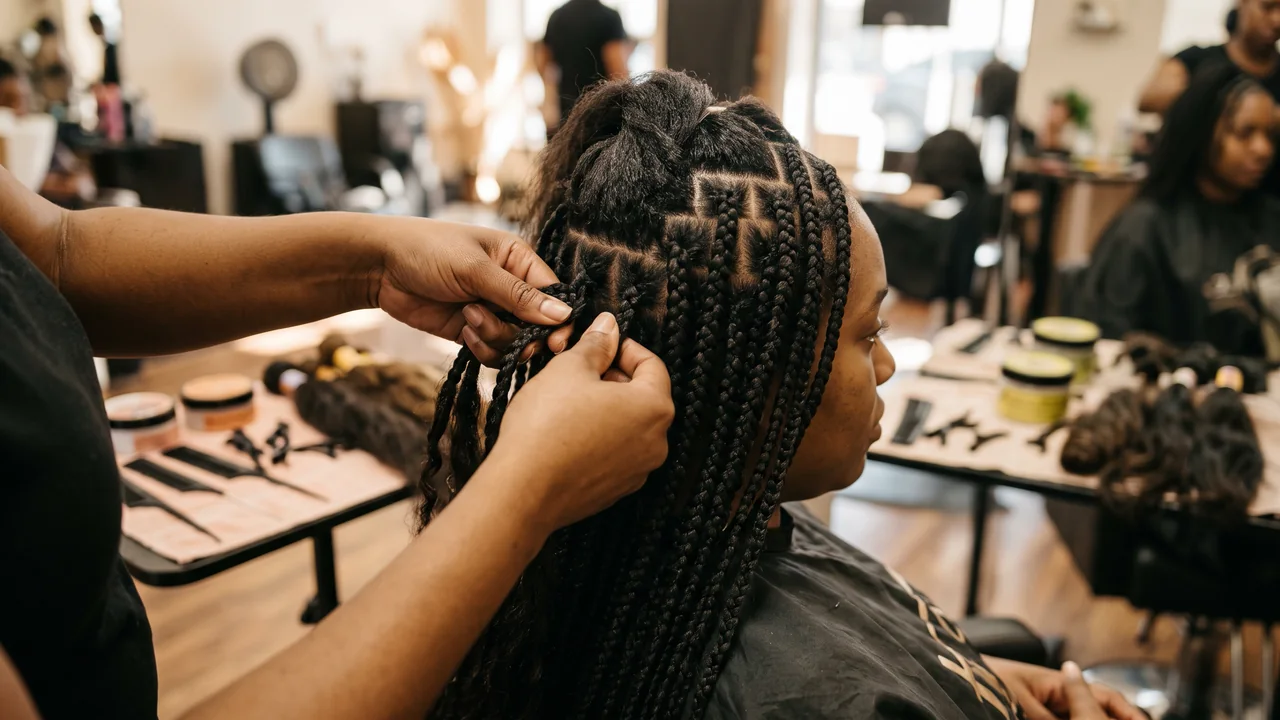
Braids, fades or balayage, always in your colours
The kit keeps as many as 10 brand colours, the voice you use with regulars and 6 content themes. In AI Studio, the Brand style option carries that look into the pictures you make, so a promo for braids and one for a beard trim still feel like the same shop.
- Opens on Starter
- Drafted from your site or a short description of the salon
The Brand Kit page in the app, filled in for Casa Linho, a linen clothing shop: identity, colours, fonts, voice, audience and quick wins. Then the bio page editor, with the page drawn in the colours the kit found.

A bio page that leads to the chair, and the taps to prove it
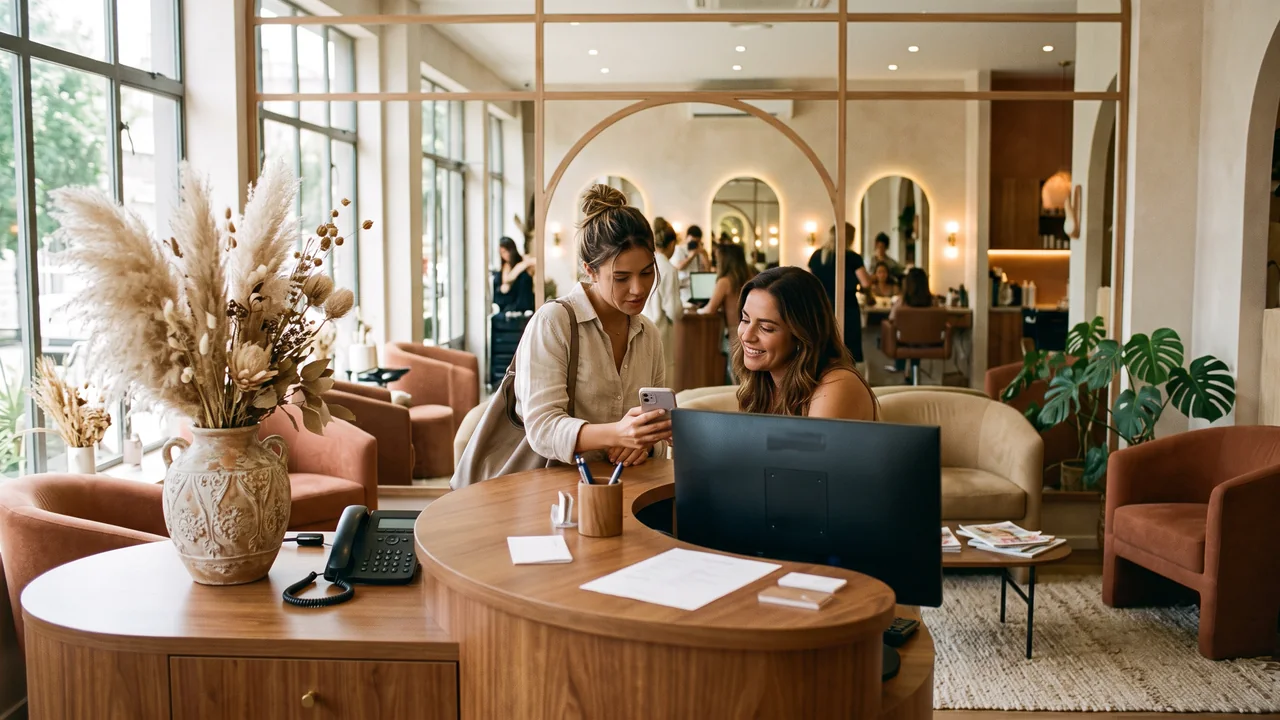
A Book now link to your booking app and a WhatsApp link work from Starter. Add a header with your name, neighbourhood and hours (Starter), services with price ranges (Starter) and an FAQ on walk-ins and late arrivals (Starter). A before-and-after carousel (Creator), the map (Creator) and your latest posts (Starter) complete it. You can also add WhatsApp to the row of social icons at the top.
- From Starter, page stats show visits and the taps on each link, so you see whether clients pick the booking app or WhatsApp
- No booking calendar of its own: the button opens the app you already book with
The Page stats page in the app, with example data for Ama Duarte's dance studio over the last 30 days: views, link clicks and click rate against the previous 30 days, which blocks and links people clicked, where visits came from and what to do next.
Promo art for the dates your clients plan around
Describe the offer, such as a Mother’s Day blowout, a bridal trial or a prom updo package, and AI Studio makes the image (from Starter). It can go out on Instagram, Facebook, X and LinkedIn, in the feed, inside a carousel or as a story.
- You see the credit cost of an image before it is made
- Gift cards and packages are sold wherever you sell them today; the post announces them
The AI Studio page in the app: the prompt bar moving through image, video and 3D with each model and its credit quote, above the gallery of recent media, an image for each business on this page, a video and a 3D model.
Short clips for the weeks you forgot to film
The real transformation is still the reel to post, filmed on your phone at the chair. For an opening-hours change, a new service or a holiday slot, AI Studio turns a written scene or a photo into a short clip (from Starter) that you can schedule to Instagram, Facebook, X, TikTok, LinkedIn and YouTube.
- No trimmer or timeline here, so cut your chair footage on the phone before uploading
- You can switch on the AI label for Instagram, TikTok and YouTube when the clip is made with AI
The AI Studio page in the app: the prompt bar moving through image, video and 3D with each model and its credit quote, above the gallery of recent media, an image for each business on this page, a video and a 3D model.
Plans for salons and barbershops
| Starter | $27 a month; 1 profile; 2 connected accounts; 1,500 AI credits; brand kit, calendar, bio page with header, text and FAQ, and page stats |
|---|---|
| Creator | $70 a month; 2 profiles; 10 connected accounts; 4,000 AI credits; carousel and map blocks and a team on each profile |
| Not included | Online booking, deposits or payments, commission and tab tracking, WhatsApp reminders, a DM inbox or review collection. The bio page links to the booking app you already use. |
Questions from salons and barbershops
What stylists, barbers and salon owners ask before they hand over the posting.
Fill this week’s feed before the first client walks in
Set up the kit, schedule a week of cuts and colour, and put a Book now button at the top of your bio.