Makeup and lash artists
Keep your portfolio fresh, even in wedding season
LookMyBio turns the week’s looks into posts in your own style, lets you schedule Reels and TikToks in one sitting and puts your packages, open dates and a button for quotes where your Instagram bio points.
Scheduling, the brand kit and your bio page open on Starter at $27 a month. Turning a tutorial link into a carousel takes Creator.


A full chair and a quiet feed
You work from early morning until late, and in wedding season the camera roll fills with before-and-afters that never get posted. A bride comparing artists opens your profile and the newest look she finds is from last month.
Your digital presence doesn't have to be this fragmented
LookMyBio brings the whole flow into one platform, so you produce in a more organized way and stay in control of what gets published.
From the chair to the feed
Put your aesthetic in the kit
Your palette, your tone and the themes you post about: the week’s looks, aftercare, bridal mornings and what clients said after their appointment.
Write and line up the week
Draft captions and covers, then lay out the next days for Instagram and TikTok on a single calendar.
Turn the bio into a list of packages
Bride, bridesmaid and graduation packages, a short FAQ and a WhatsApp button for quotes, all on the page your profile links to.
Shoot on studio days, post all week
Take your before-and-after shots between clients, then sit down once and plan the days ahead: photos and carousels for Instagram, short videos for Reels and for TikTok, all on one calendar. Starter links 2 accounts with a ceiling of 30 posts a month; Creator links 10 with no monthly cap on posts.
- Networks you can schedule to: Instagram, Facebook (Pages only), X, TikTok (videos only), LinkedIn (personal profiles only) and YouTube (videos only)
- Sending one video to both Instagram and TikTok counts as two scheduled posts
The Socials page in the app for Atelier Rosa, a hair salon: its connected accounts, this week's posts and the Create button. Then the New post composer with a reel for Instagram, Facebook, TikTok and YouTube, its caption, and Instagram's "Made with AI" label switched on.
Your studio’s aesthetic, kept in one kit
Start from your studio’s website, or from a short note about the looks you do. It keeps 10 colours at most, plus 6 themes to post about, for example fresh sets, aftercare tips, a bride’s morning behind the scenes and client feedback. The captions and images you make afterwards start from it, and you can carry the same colours onto your bio page in the editor.
- Opens on Starter
- Post a client’s face only after she says yes
The Brand Kit page in the app, filled in for Casa Linho, a linen clothing shop: identity, colours, fonts, voice, audience and quick wins. Then the bio page editor, with the page drawn in the colours the kit found.

Your packages on the bio, and which ones get the taps
Buttons to your WhatsApp and your booking app work from Starter. A text block with bridal, bridesmaid and graduation packages and their price range comes on Starter, and an FAQ about aftercare and travel fees on Starter. A carousel of your work arrives on Creator, a video block for your Reels on Creator, a countdown to the day new dates open on Creator and an email list for clients who want to hear first on Creator.
- Page visits and taps on each button from Starter
- No bookings, deposits or payments on the page: each button opens the tool you already use
The Page stats page in the app, with example data for Ama Duarte's dance studio over the last 30 days: views, link clicks and click rate against the previous 30 days, which blocks and links people clicked, where visits came from and what to do next.
A tutorial video becomes a carousel
On Creator, paste the link to one of your YouTube tutorials or to an article you wrote. The AI reads it and gives back one image post or a carousel. Its hooks and captions are drafted with Instagram, X, LinkedIn and TikTok in mind. Correct the product names and steps, swap in your own photos of the look and add it to the calendar.
- TikTok takes videos only, so the carousel goes to the other accounts
- It waits as a draft until you choose a date
The AI posts page in the app: a YouTube link pasted as the source, the video's card, Carousel suggested as the format and what reading it costs. Then the same post finished: every step done and the carousel's slides in Marina Vale's brand, with its caption, ready to publish.
Highlight covers and announcements in your colours
In AI Studio, from Starter, make covers for your Aftercare, Bridal and Prices highlights, a background for your price list or an image announcing new dates. Download the covers and set them in Instagram, or use any image in a post. Each image is paid in credits, and Starter includes 1,500 a month.
- Show finished looks with real photos; keep AI for covers, backgrounds and notices
- When a post goes to Instagram, TikTok and YouTube, switch on that network’s AI tag
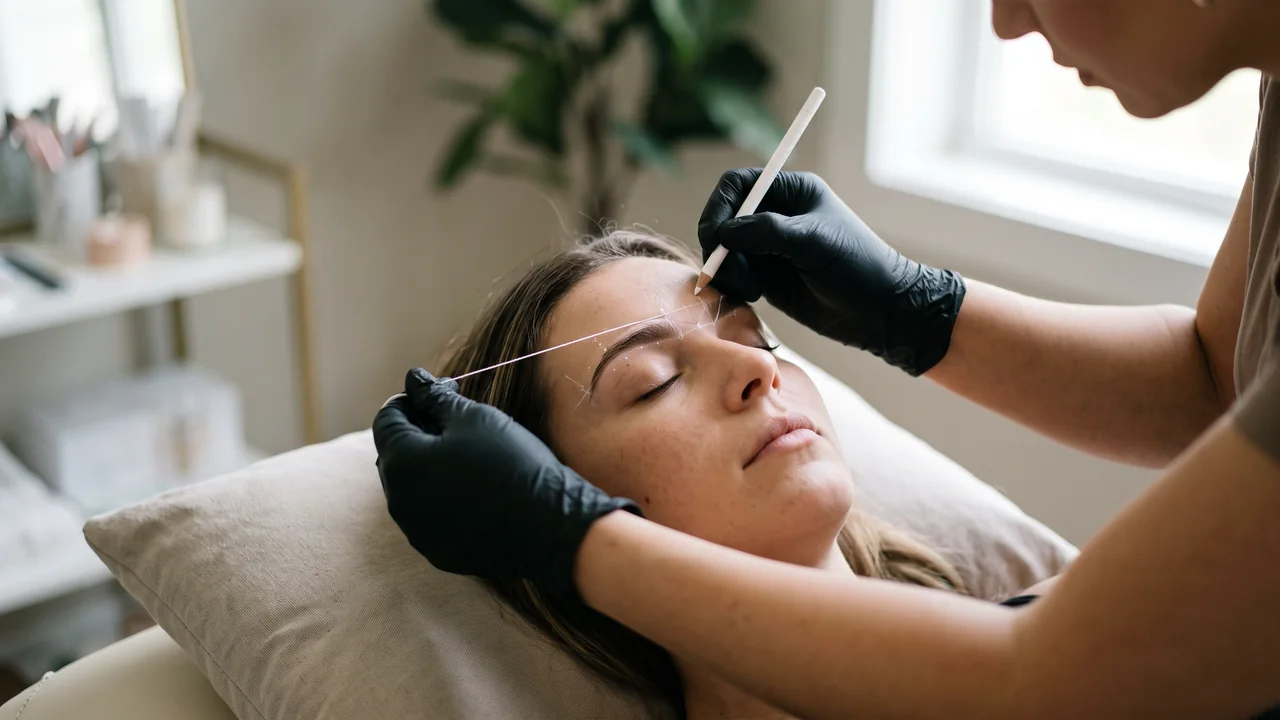
The AI Studio page in the app: the prompt bar moving through image, video and 3D with each model and its credit quote, above the gallery of recent media, an image for each business on this page, a video and a 3D model.
Plans for makeup and lash artists
| Starter | $27 a month; 2 connected accounts; 1,500 credits; brand kit, the calendar, page stats and text, FAQ and button blocks |
|---|---|
| Creator | $70 a month; 10 connected accounts over 2 profiles; 4,000 credits; tutorial links to carousels and the portfolio carousel, video, countdown and email list blocks |
| Not included | Booking and appointment reminders, deposits or payments, contracts, a DM inbox, review collection, or selling a course on the page (it links to the platform you sell on) |
Questions from makeup and lash artists
What makeup artists and lash techs ask before the next busy season.
Let this week’s looks fill next week’s feed
Set up the kit, schedule the posts from one studio day and put your packages and WhatsApp on the bio page.