AI carousel generator
Carousels that look like your brand and get saved
Paste a link or type the idea. LookMyBio writes the hooks, plans the slides, lays them out in your brand's colours and fonts and writes the caption. You edit, then schedule.
AI posts come with Creator and Teams. Your first plan starts with a 7-day trial and 400 credits to try it.
The AI posts page in the app: a YouTube link pasted as the source, the video's card, Carousel suggested as the format and what reading it costs. Then the same post finished: every step done and the carousel's slides in Marina Vale's brand, with its caption, ready to publish.
Finished carousels, by niche
Every post below was made with our AI for sample brands, never for real customers. Swipe the carousels, then open the posts, stories, Reel covers and 9-post feeds.


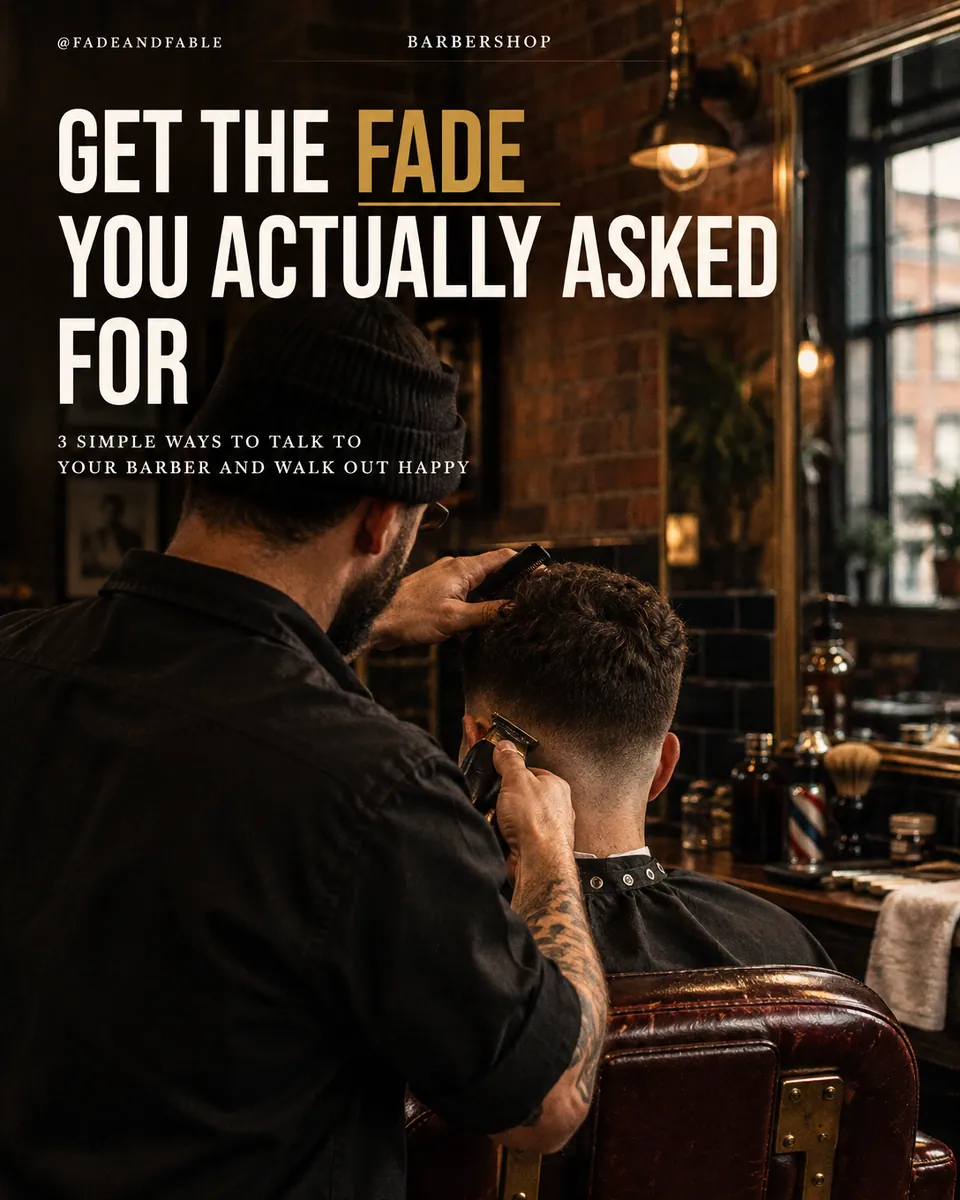
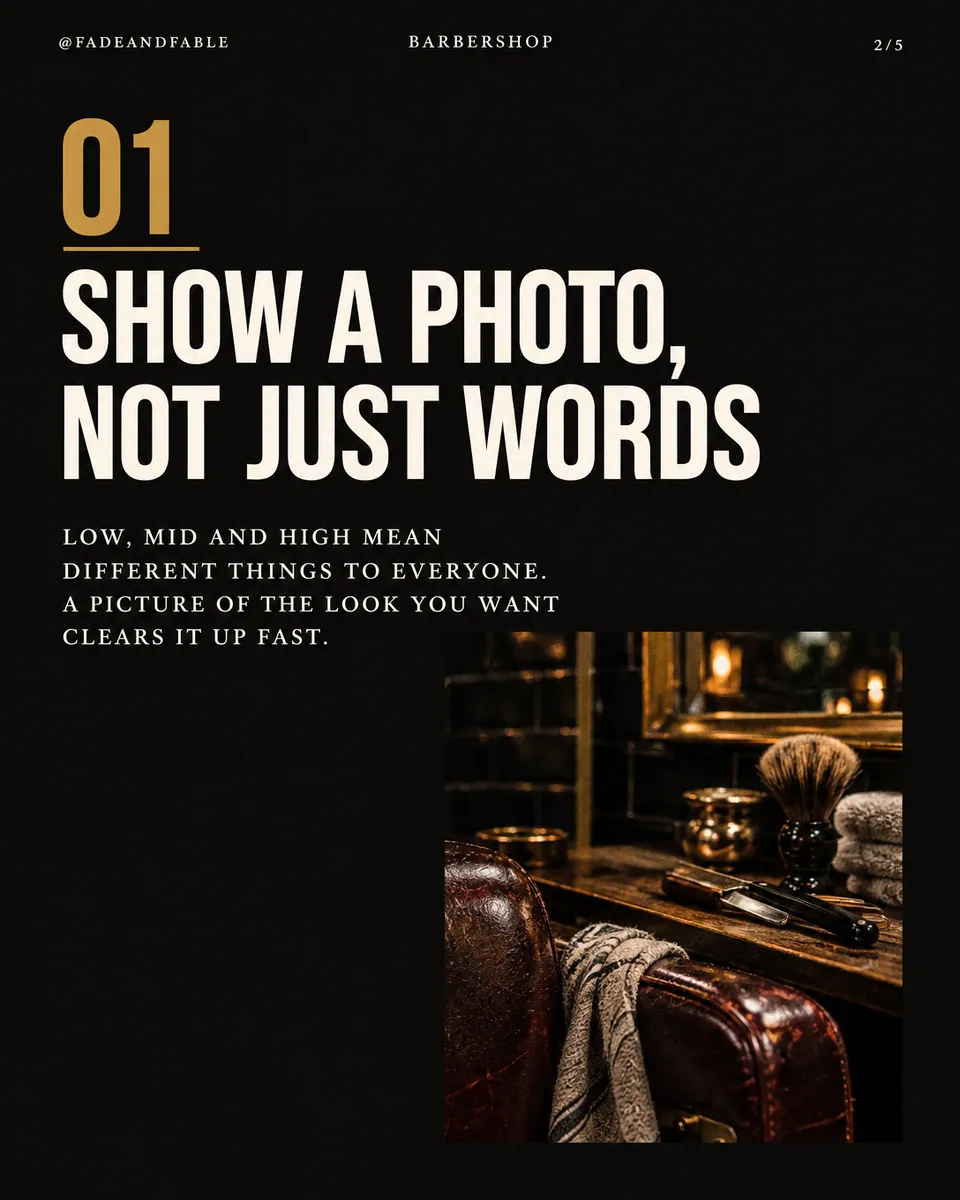
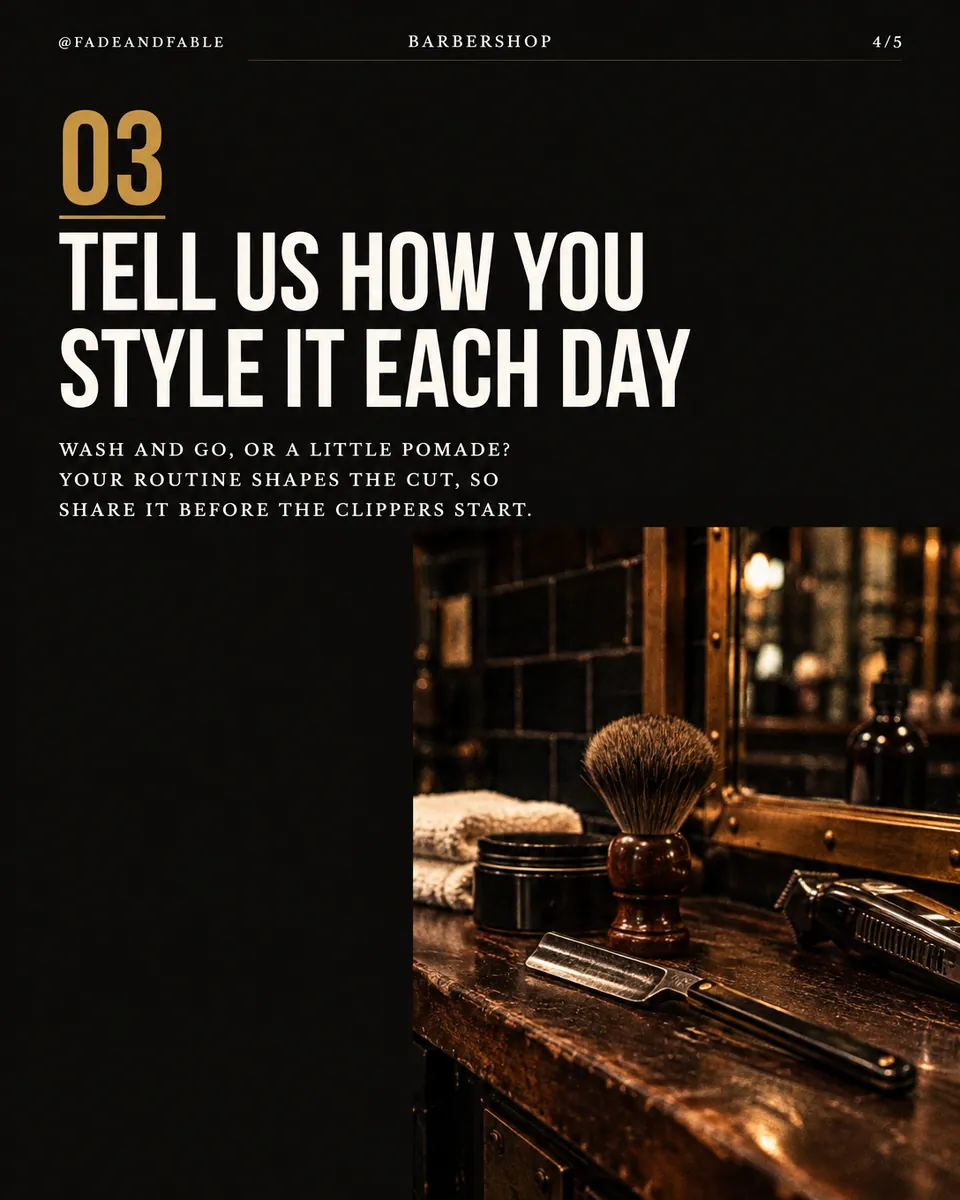
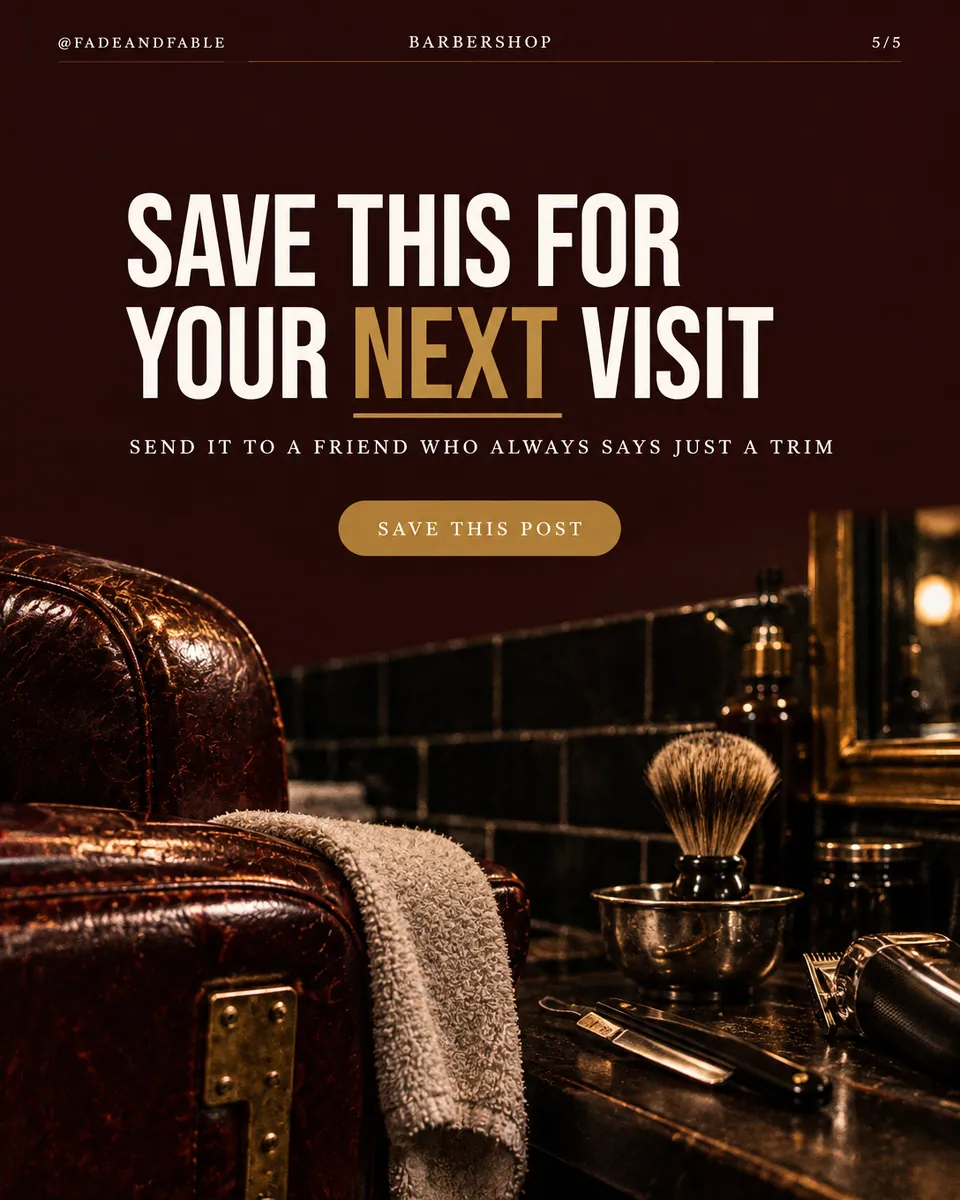
Salons and barbershops@fadeandfable


Gyms and studios@ironline.studio


Dentists@brightsidedental


Real estate agents@harborpinerealty


Coaches and consultants@clearpath.coach


Fashion boutiques@juniperrow

Salons and barbershops@fadeandfable

Gyms and studios@ironline.studio

Dentists@brightsidedental

Real estate agents@harborpinerealty

Coaches and consultants@clearpath.coach

Fashion boutiques@juniperrow

Salons and barbershops@fadeandfable

Gyms and studios@ironline.studio

Dentists@brightsidedental

Real estate agents@harborpinerealty

Coaches and consultants@clearpath.coach

Fashion boutiques@juniperrow

Salons and barbershops@fadeandfable

Gyms and studios@ironline.studio

Dentists@brightsidedental

Real estate agents@harborpinerealty

Coaches and consultants@clearpath.coach

Fashion boutiques@juniperrow


A good carousel takes an afternoon you do not have
You know what you want to say. Then comes the hook, ten slides that keep the thread, a design that matches last week, fonts that never line up and a caption at midnight. So the idea waits another week.
Your digital presence doesn't have to be this fragmented
LookMyBio brings the whole flow into one platform, so you produce in a more organized way and stay in control of what gets published.
How it works
Start from a link or an idea
Paste a YouTube video, an article or a post on X, or type the idea in your own words. Your Brand Kit is already read, so the voice and colours come along.
Pick the hook, check the slides
LookMyBio writes 10 opening lines, scores each one and shows the 5 strongest. Choose one and the outline follows it, slide by slide.
Edit, then schedule
Change any word, ask for a change in plain words or swap a picture. The caption is written; pick the networks and a time.
Why a carousel gets saved
Saves and comments come from structure, not luck. Every carousel is built on the same four beats.
 01
The hook stops the scroll
The first slide is the strongest of 10 hooks, scored for curiosity and for a real fact.
 02
The slides keep them reading
One idea per slide, so each swipe pays off and leads to the next.
 03
The payoff gets saved
The useful part lands near the end: the list, the numbers, the steps worth keeping.
 04
The ask gets comments
The last slide and the caption close with one clear question or call to act.
Same posts, one look
On the left, nine posts made in different apps on different days. On the right, the same nine in one brand’s colours, fonts and photo style. Drag to compare.


The first slide decides if anyone swipes
Hooks are not left to luck. Each run writes 10, rates them for your voice, for curiosity and for using a real fact from your source, and keeps the 5 that score highest. You still choose.
- Each hook shows its angle, so you pick on purpose
- Hooks that repeat an angle score lower
- Write your own if none of them is yours

Slides that keep the reader moving
The outline gives every slide one job, from the promise to the payoff, up to 20 slides. Each slide carries a headline, a line of body text and a picture idea.
- One idea per slide, in reading order
- A save-worthy payoff near the end
- A last slide that asks for the comment or the follow
Your brand's look on every slide
Colours and fonts come from your Brand Kit, so this week’s carousel sits next to last week’s without a clash. Pictures are drawn for each slide, or you put your own photo on any of them.
- Your colours, chosen for contrast on every slide
- Your fonts in the headlines and the body
- Your photos from the media library, slide by slide
The Brand Kit page in the app, filled in for Casa Linho, a linen clothing shop: identity, colours, fonts, voice, audience and quick wins. Then the bio page editor, with the page drawn in the colours the kit found.

Caption and hashtags in the same pass
The caption picks up where the slides stop and ends with one clear ask. Hashtags come with it. Both stay editable before anything goes out.
- Written for Instagram, Facebook, X, LinkedIn and TikTok
- In the language your brand posts in
- Edit it right next to the slides

From the last slide to the calendar
When the carousel is right, send it to the composer, choose the accounts and a time, or post it now. It lands on your Socials calendar with the rest of the week.
- Publish now or schedule it
- One composer for every account you connect
- Every post in one calendar
The Socials page in the app for Atelier Rosa, a hair salon: its connected accounts, this week's posts and the Create button. Then the New post composer with a reel for Instagram, Facebook, TikTok and YouTube, its caption, and Instagram's "Made with AI" label switched on.
AI carousels at a glance
| Start from | A link (YouTube, an article, a post on X) or your own words |
|---|---|
| Hooks | 10 written and scored, the 5 strongest shown |
| Slides | Up to 20, in your brand's colours and fonts |
| Also in the post | Caption and hashtags |
| Plan | Creator and Teams; 4,000 monthly credits from Creator |
| Trial | 7 days and 400 credits on your first plan |
Try it on your own brand first
7-day trial
Your first plan starts with a 7-day trial. Cancel before it ends and you pay nothing.
400 credits to start
The trial comes with credits to make real carousels for your brand, not a demo.
Failed work is never charged
If a picture or a slide fails to come out, its credits go back to you.
Questions about AI carousels
The doubts people bring before their first AI carousel.
Make this week’s carousel before lunch
Paste the link or type the idea, pick the hook and schedule it. Your first plan starts with 7 days and 400 credits.