Schedule Pinterest Pins that send people to your site
Make the picture, write the title and the description, choose the board and the destination link, then pick the hour. LookMyBio keeps your Pins on the calendar beside everything else you post.
Pins sit in the same composer as Instagram, Facebook, X, TikTok, LinkedIn, YouTube and Bluesky.
- Image Pins
- Carousels of 2 to 5
- Video Pins up to 15 min
- Descriptions up to 800
- Board and destination link

The app's New post composer, set to Ateliê Barro's Pinterest account only: the account, the formats Pinterest takes, its caption limit, its preview and the network's own options.
Pins keep working for months, but making them takes a pile of steps
Every Pin wants its own tall picture, a title, a description with the right words, a board and a link back to you. Done by hand in the Pinterest app, a week of Pins eats an afternoon.
Your digital presence doesn't have to be this fragmented
LookMyBio brings the whole flow into one platform, so you produce in a more organized way and stay in control of what gets published.
How it works
Connect Pinterest
Sign in to Pinterest and allow boards and Pins. We read your boards so you can pick one; nothing is pinned until you post or schedule.
Make the Pin
Upload your photos or a video, or create the picture in AI Studio. A carousel takes several images in one Pin.
Board, link and time
Pick the board and section, add the title, the description and the destination link, then choose when it goes up.
Image, carousel and video Pins from one composer
An image Pin is one JPEG or PNG up to 20 MB. A carousel Pin holds 2 to 5 images. A video Pin runs 4 seconds to 15 minutes.
- MP4, MOV or M4V video up to 200 MB, with the cover frame you pick
- Tall pictures made in AI Studio, charged in credits
Choose the board and section, or make a new board on the spot
The composer lists your boards and their sections. If the right board does not exist yet, create it there without leaving the post.
- A title of up to 100 characters and a description of up to 800
- A destination link of up to 2,048 characters, so the Pin leads to your shop or blog
- Alt text of up to 500 characters for people using screen readers
Pinterest’s AI labels, set before the Pin goes up
If AI changed the picture, or the person in it is AI-made, switch on the matching disclosure in the composer and Pinterest shows it on the Pin.
- Off until you tick it: you decide which Pins need it
The AI Studio page in the app: the prompt bar moving through image, video and 3D with each model and its credit quote, above the gallery of recent media, an image for each business on this page, a video and a 3D model.
Pinned at your hour, one Pin at a time
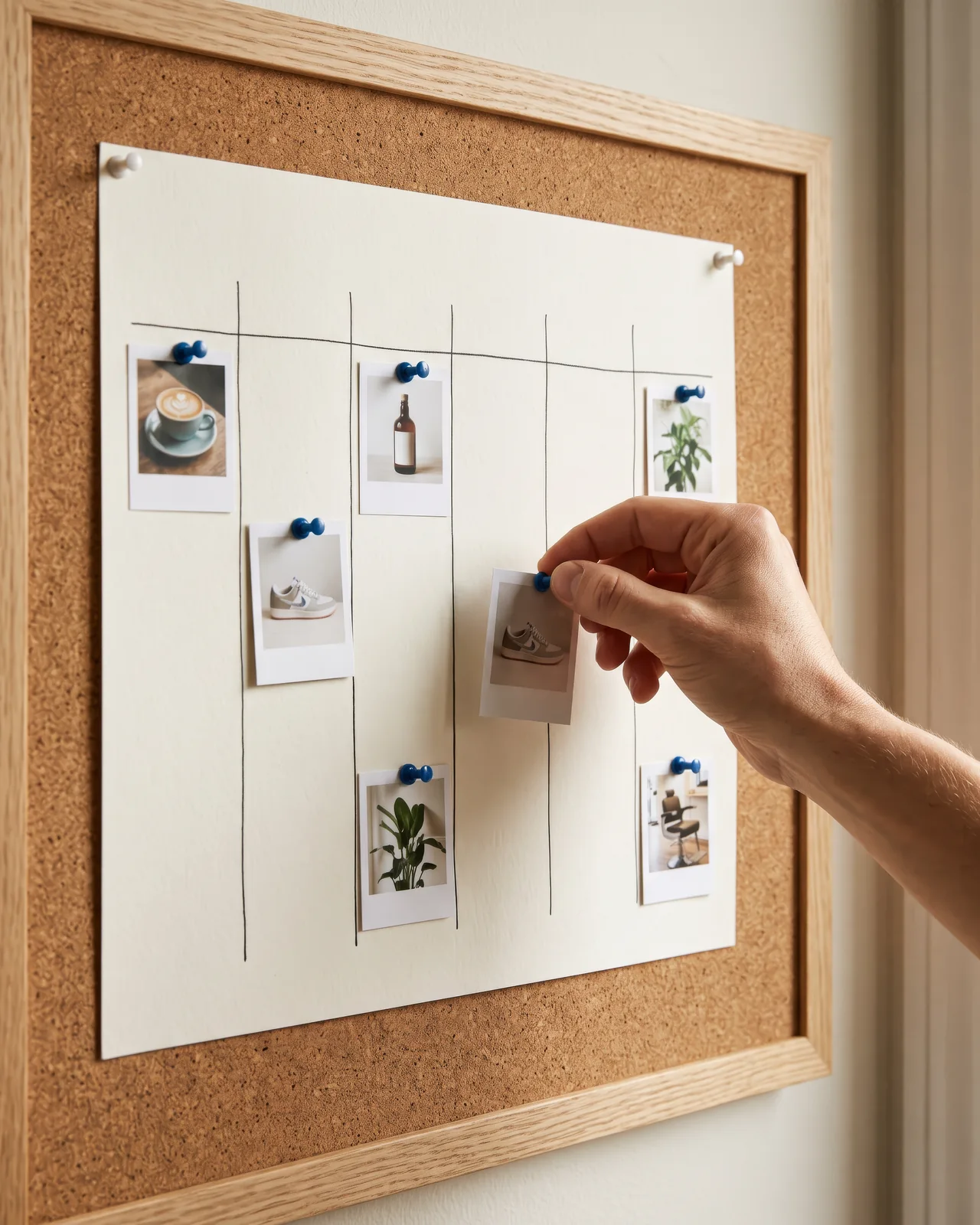
Pinterest has no scheduling of its own in its API, so our scheduler sends each Pin at the time you set. Pinterest asks that every Pin be the person’s own choice, so each one is scheduled on its own.
- A series made in Post Studio leaves its Pins as dated drafts for you to confirm one by one
The Socials page in the app for Atelier Rosa, a hair salon: its connected accounts, this week's posts and the Create button. Then the New post composer with a reel for Instagram, Facebook, TikTok and YouTube, its caption, and Instagram's "Made with AI" label switched on.
Your latest Pins on your bio page
Add a Pinterest block to your LookMyBio bio page and visitors see your profile and Pins there. The Pins load when the visitor allows it or taps to show them.
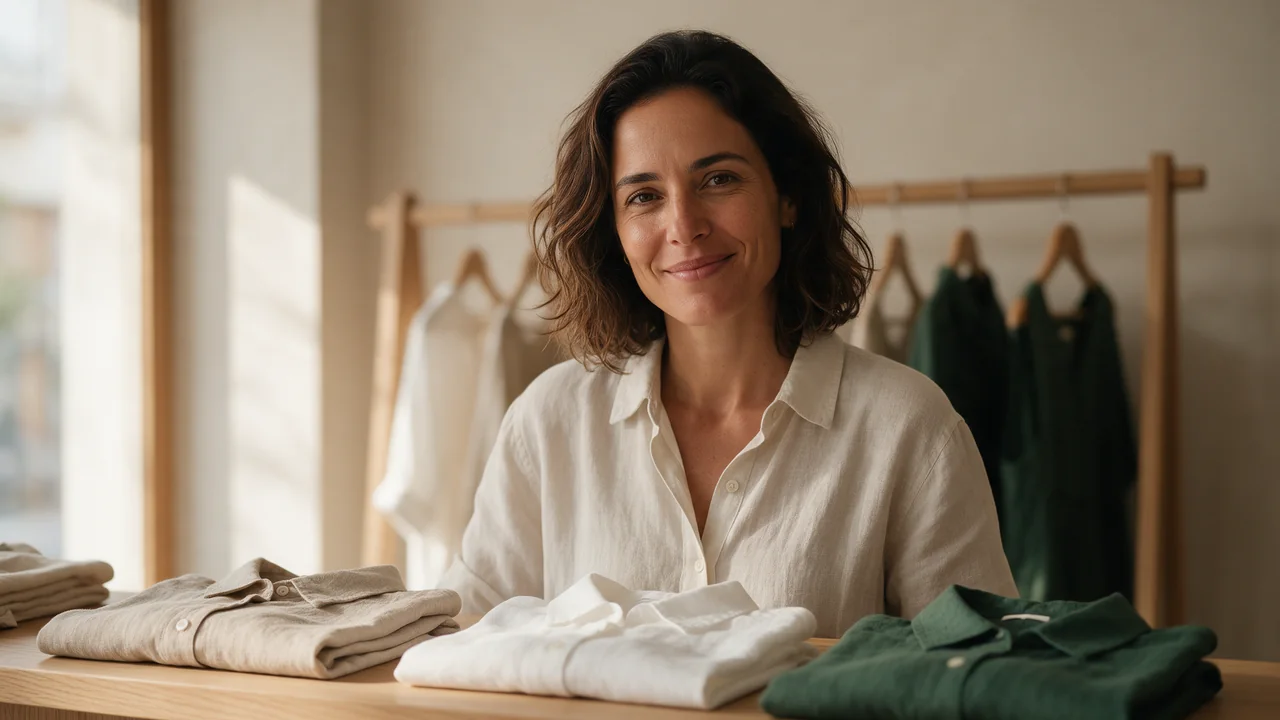
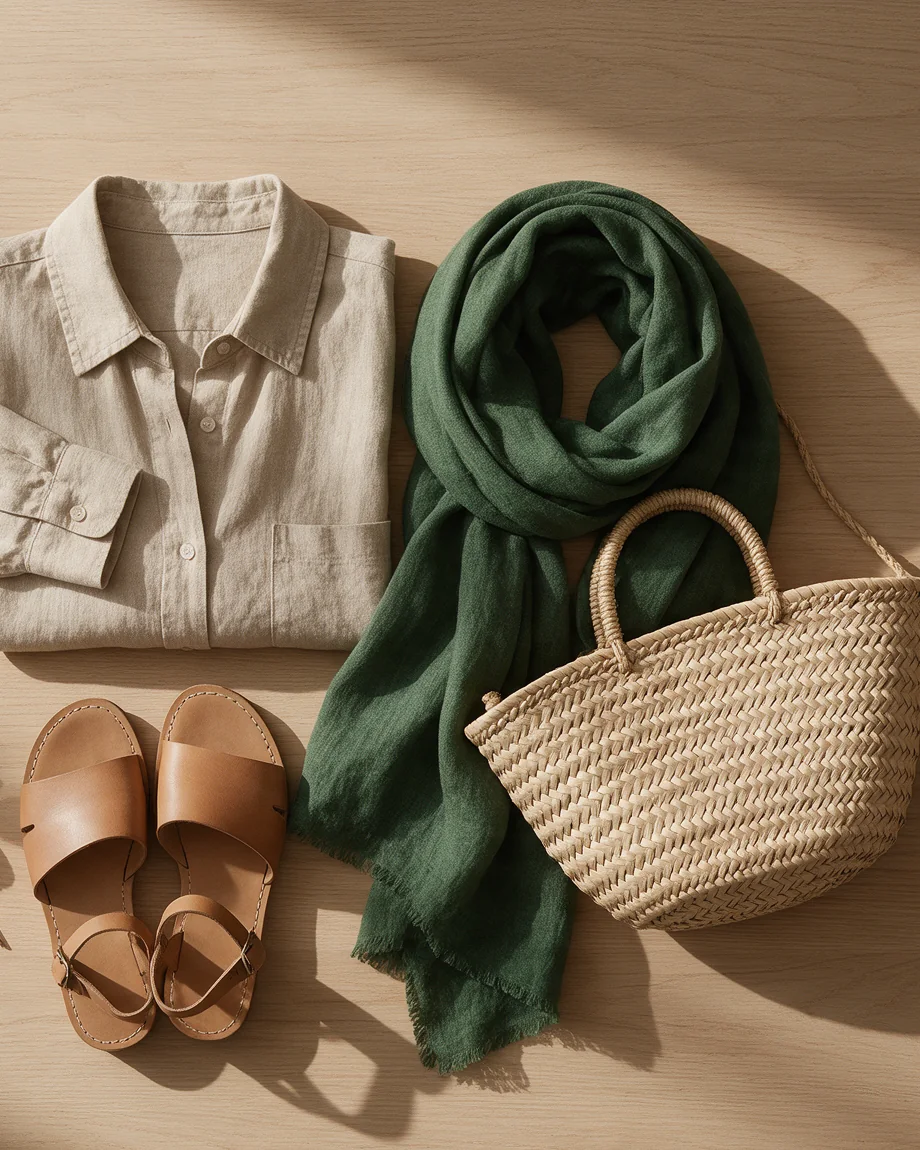
Example bio page for Casa Linho: Linen basics, made in São Paulo. Buttons: Shop the new collection and Chat on WhatsApp. Below them, the profile's latest posts and the latest blog post, “Three ways to wear a linen shirt”.


Sell your collection
Pinterest at a glance
| Connect with | Your Pinterest account |
|---|---|
| Image Pin | JPEG or PNG, up to 20 MB |
| Carousel Pin | 2 to 5 images |
| Video Pin | MP4, MOV or M4V, 4 s to 15 min, up to 200 MB |
| Title | Up to 100 characters |
| Description | Up to 800 characters |
| Destination link | Up to 2,048 characters |
| Alt text | Up to 500 characters |
| Boards | Pick a board and section, or create a board |
| Scheduling | Sent by our scheduler at your time |
| AI label | Pinterest’s AI-modified labels |
| Plan | Starter plan and up (US$27 a month) |
Pinterest questions
Answers for anyone about to connect a Pinterest account.
Fill your boards for the next month
Make the Pins, set the board and the link once, and let them go up on schedule.