Florists and gift shops
Your Mother’s Day posts, scheduled before the rush
LookMyBio gets the campaigns for the dates that carry your year ready early, posts the week’s arrangements in your shop’s style and sends anyone who wants to buy straight to your WhatsApp or online store.
The calendar and your bio page start on Starter, $27 a month, and the brand kit opens on Starter. The countdown block comes with Creator and the photo carousel with Creator.


The feed goes silent the week people shop for flowers
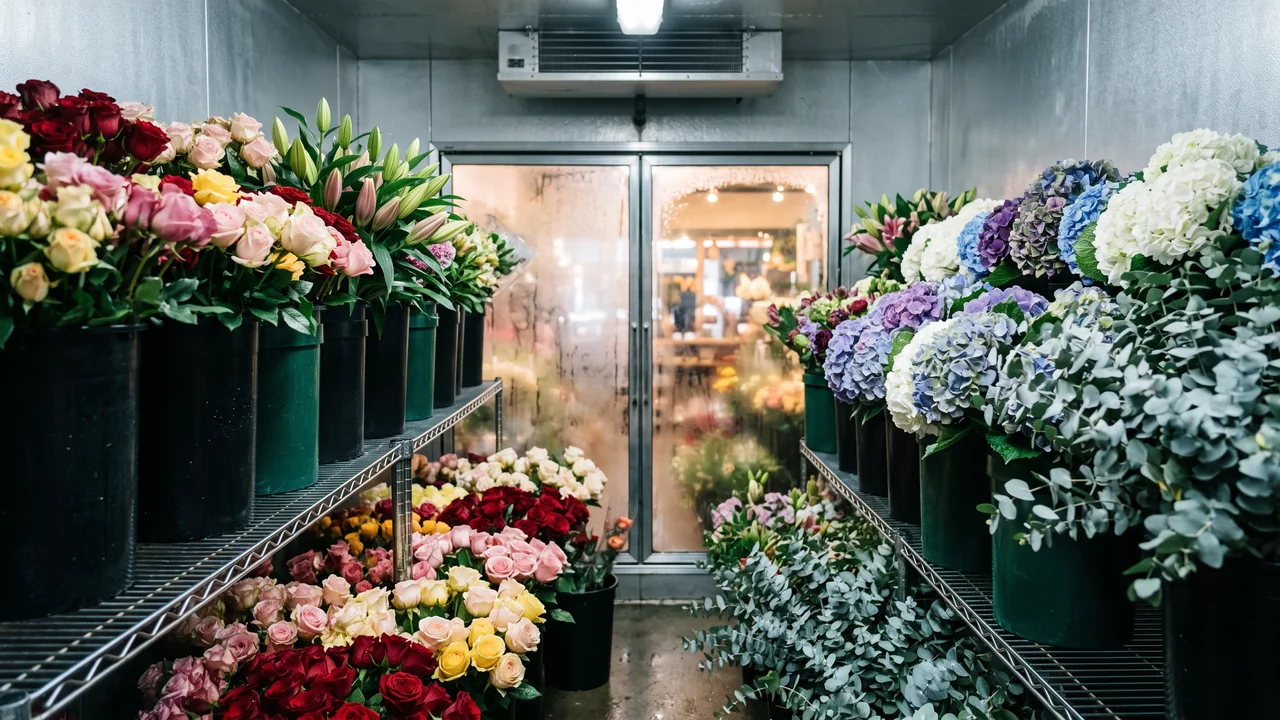
In early May the workbench becomes a production line and nobody can spare a minute for Instagram, right when buyers are searching. The rest of the year posts happen whenever someone remembers. The campaign that should have started weeks earlier never gets made.
Your digital presence doesn't have to be this fragmented
LookMyBio brings the whole flow into one platform, so you produce in a more organized way and stay in control of what gets published.
From the cooler to the order
Teach it your shop’s style
Paste your site or describe the shop. The kit keeps your colours, your tone and themes like arrangements, the workroom, big dates and flower care.
Prepare each date early
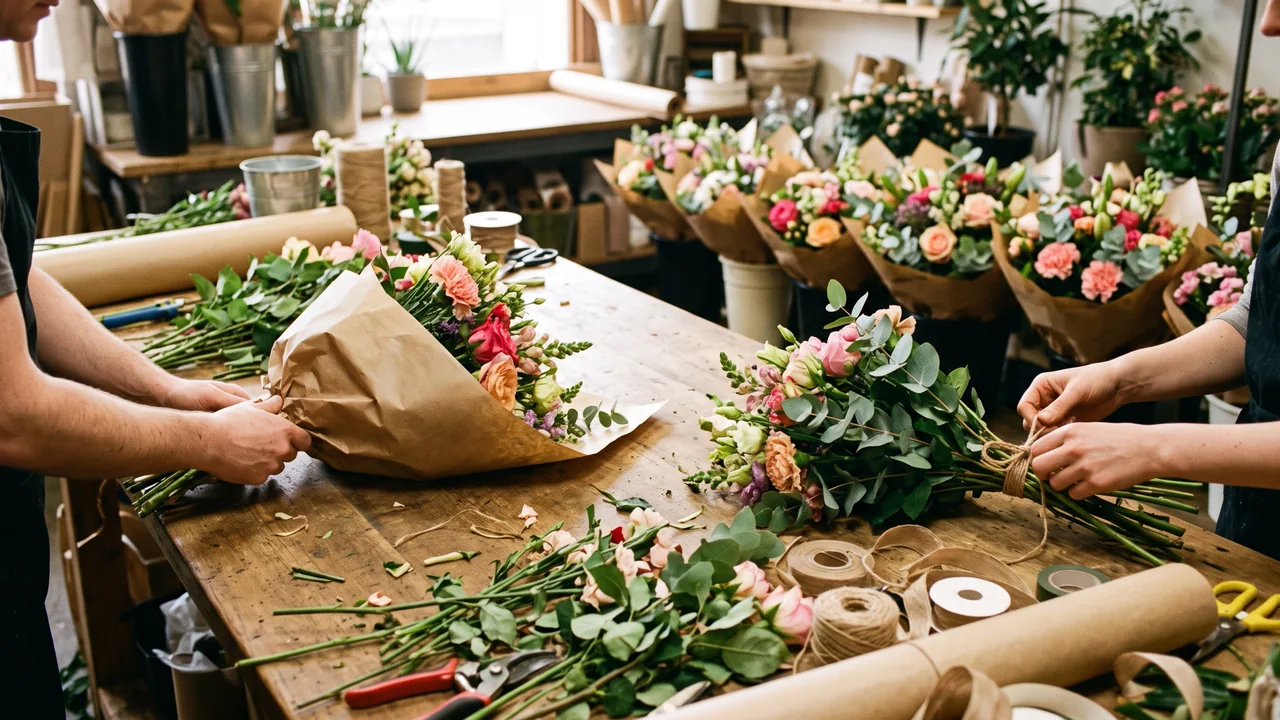
Make the teaser art and captions for the next holiday and put them on the calendar weeks before the orders start piling up.
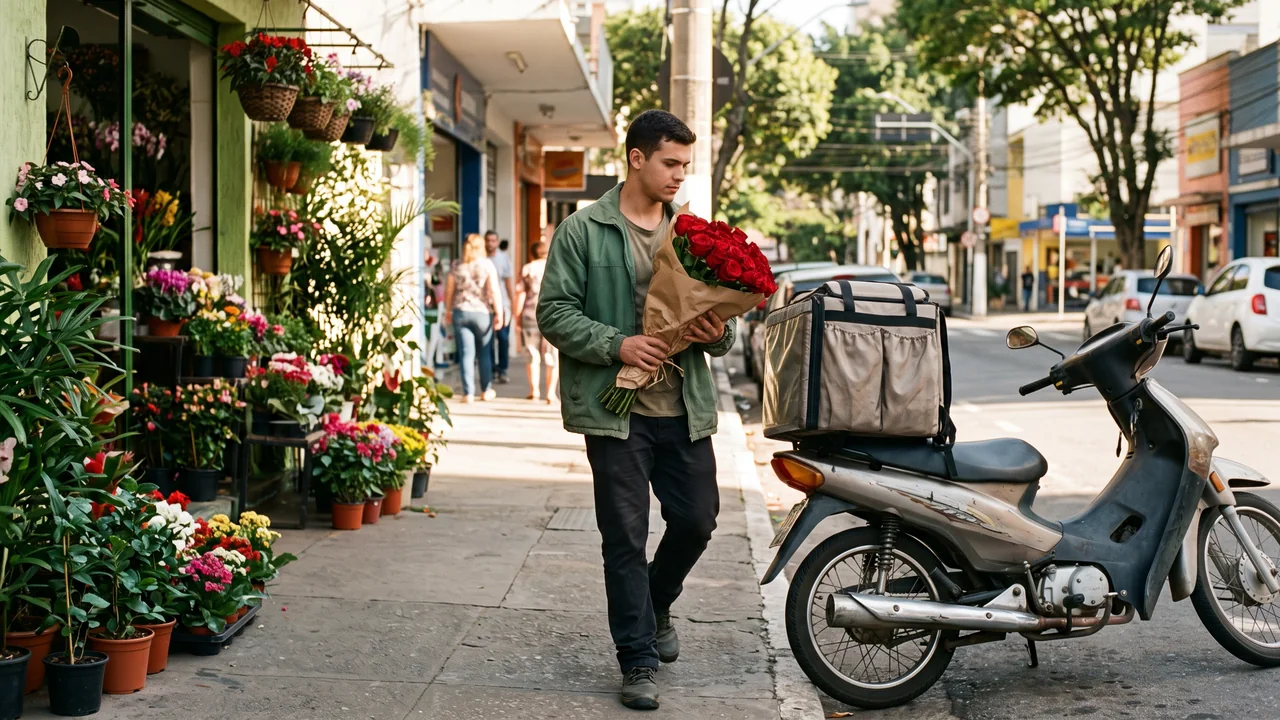
Point buyers to where they order
Your bio link shows the delivery area, the order deadline, a link to your store or catalogue and a button that opens WhatsApp.
The look of your shop, held in one place
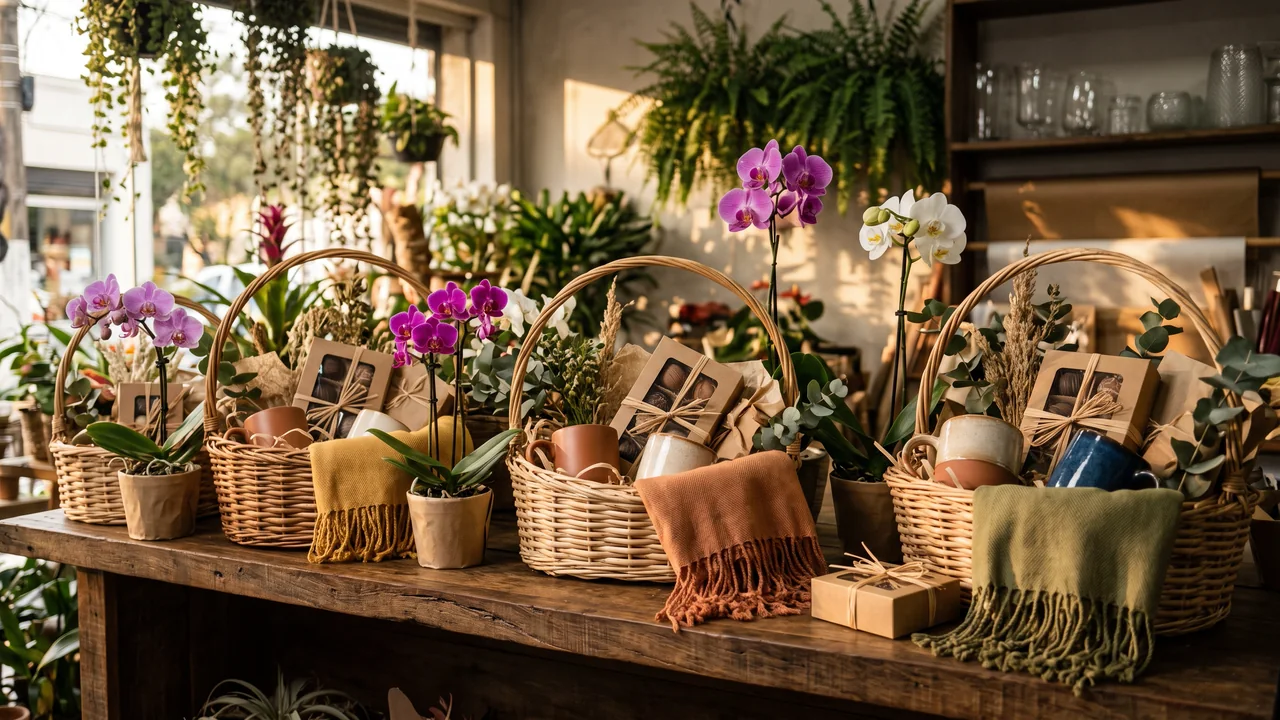
Your kit stores up to 10 brand colours alongside 6 content themes, for instance the bouquet of the week, the workroom, holiday campaigns and how to keep stems fresh. Every image and caption you create afterwards starts from it, so a gift basket and a wedding arrangement read as the same shop.
- Opens on Starter
- Built from your shop’s website, or from a few lines about it if you have no site
The Brand Kit page in the app, filled in for Casa Linho, a linen clothing shop: identity, colours, fonts, voice, audience and quick wins. Then the bio page editor, with the page drawn in the colours the kit found.

The campaign is ready before the rush
Lay out the teaser, the reminders and the last call for orders side by side, ready for Instagram, TikTok (videos only) and Facebook (Pages only). Valentine’s, Mother’s Day and the Christmas baskets can sit there weeks ahead, and each post goes out at the hour you picked while you are wrapping stems.
- Starter plugs in 2 accounts and runs the calendar holding 30 scheduled posts per month; Creator plugs in 10 and runs it with no monthly cap on posts
- Sending one post to two accounts counts as two scheduled posts
The Socials page in the app for Atelier Rosa, a hair salon: its connected accounts, this week's posts and the Create button. Then the New post composer with a reel for Instagram, Facebook, TikTok and YouTube, its caption, and Instagram's "Made with AI" label switched on.
Art that announces the date
In AI Studio, from Starter, describe a teaser scene or a countdown card for the holiday and get images in your shop’s style, ready for Instagram, Facebook, X and LinkedIn. Credits apply, and the price shows before you generate.
- Use AI images as campaign art; for the bouquet a buyer will receive, post a photo of the real arrangement
- When you publish, switch on the network’s own AI label where there is one (Instagram, TikTok and YouTube); elsewhere, disclose it as that network asks
The AI Studio page in the app: the prompt bar moving through image, video and 3D with each model and its credit quote, above the gallery of recent media, an image for each business on this page, a video and a 3D model.
A countdown to the last order day, and the numbers after
From Creator, a countdown block on your bio page runs to the final day for orders, next to a carousel of arrangements (from Creator) and a link that opens WhatsApp. From Starter, the page stats show how many people opened it and tapped the store or WhatsApp link, compared with the period before, so you can see which date brought the most taps.
- Header for the delivery area from Starter, FAQ for lead times and card messages from Starter
- Orders, payment and delivery stay in the store, app or chat you already use
The Page stats page in the app, with example data for Ama Duarte's dance studio over the last 30 days: views, link clicks and click rate against the previous 30 days, which blocks and links people clicked, where visits came from and what to do next.
Reels from the workroom
Film the bouquet coming together on your phone, trim it in your usual editor and schedule it for Instagram, Facebook, X, TikTok, LinkedIn and YouTube. No footage this week? AI Studio, from Starter, can animate a photo of an arrangement into a short clip.
- TikTok and YouTube take video only
- There is no trimmer here: cut and join clips in another app
The AI Studio page in the app: the prompt bar moving through image, video and 3D with each model and its credit quote, above the gallery of recent media, an image for each business on this page, a video and a 3D model.
Plans for florists and gift shops
| Starter | $27 monthly: 1,500 AI credits, the bio page, 2 linked accounts and the post planner holding 30 scheduled posts per month |
|---|---|
| Creator | $70 monthly: 4,000 AI credits, 10 linked accounts split between 2 profiles and the post planner with no monthly cap on posts |
| Busy-season bio blocks | Countdown from Creator, photo carousel from Creator, store map from Creator, email sign-up for date reminders from Creator |
| Not included | An online store, cart or checkout, payments, order and delivery management, a DM inbox or WhatsApp automation. The page links to the channel you already sell on |
Questions from florists
What florists and gift shop owners ask before the busy season starts.
Have the next big date on the calendar before the orders arrive
Set up your kit, schedule the teaser for the next holiday and add a countdown and a WhatsApp link to your bio.